Keyboard shortcuts
For: Owner, Admin, Cashier, Production, Courier
Keyboard keys for the Inbox, the thread and the shortcut sheet.
On a computer, a few keyboard keys do the work without the mouse. While you type in a field, letter keys go into that field and run no shortcut.
For every role. The Inbox and Thread shortcuts serve owners and admins, who answer chats.
Steps to open the shortcut list
Press ? (Shift and /) on any page, or press the Help button (the question mark) beside your name at the foot of the sidebar, then choose Keyboard shortcuts. The Keyboard sheet opens on the right.
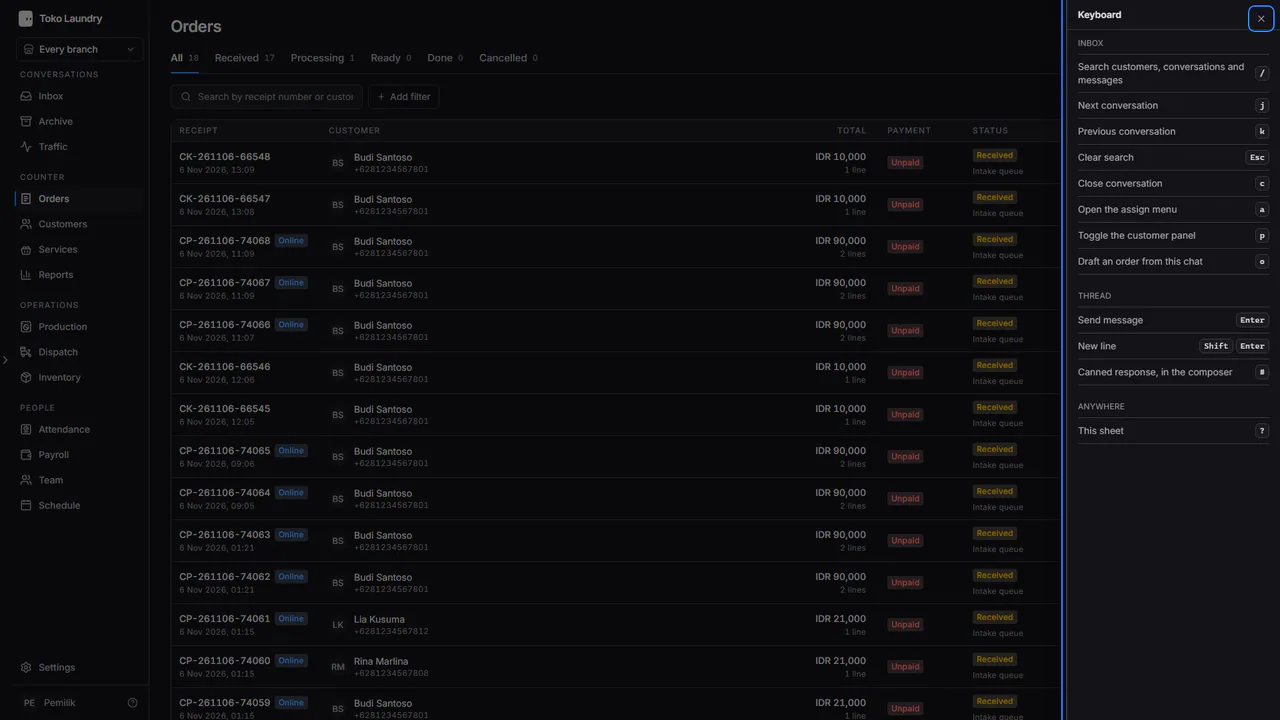
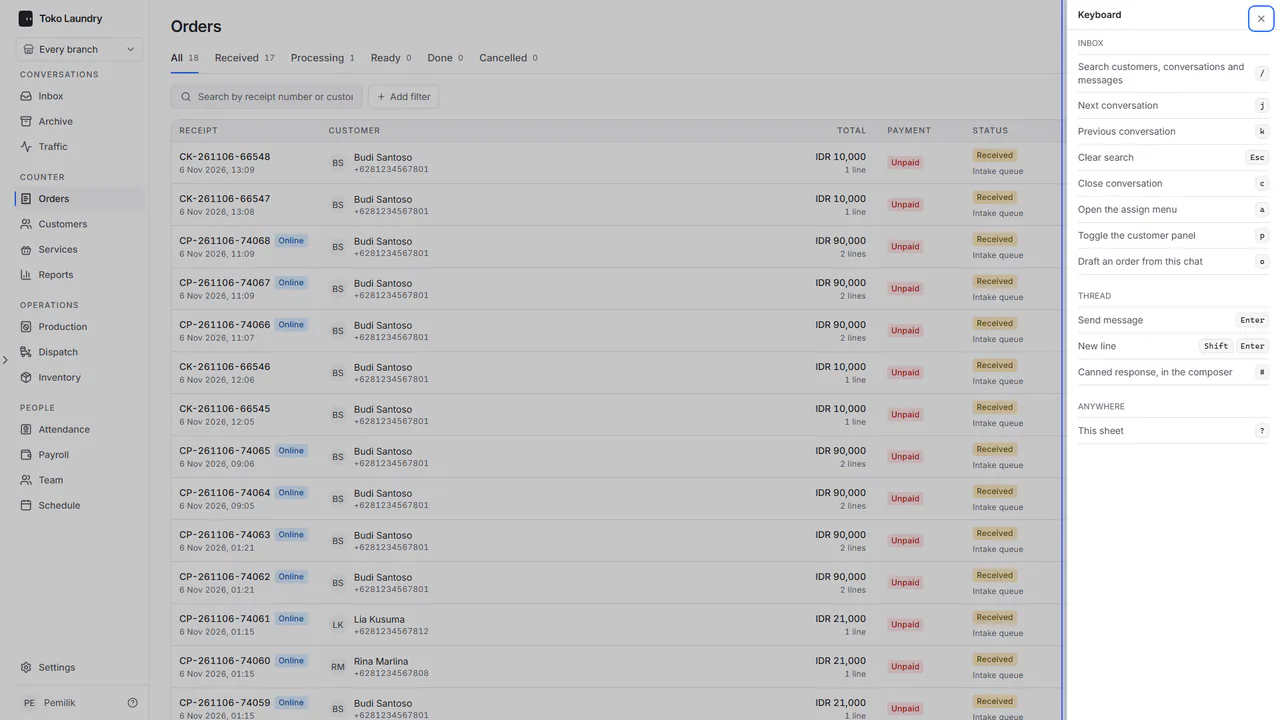
Press Esc or the close button to shut it.
Inbox
| Key | What it does |
|---|---|
/ |
Search customers, conversations and messages |
j |
Next conversation |
k |
Previous conversation |
Esc |
Clear search |
c |
Close conversation |
a |
Open the assign menu |
p |
Toggle the customer panel |
o |
Draft an order from this chat |
Thread
| Key | What it does |
|---|---|
Enter |
Send message |
Shift + Enter |
New line |
# |
Canned response, typed in the reply box |
Anywhere
| Key | What it does |
|---|---|
? |
Open the Keyboard sheet |
Canned responses are covered in channels and canned responses, and drafting an order from a chat in order draft from chat.