For a new owner
Getting started with Toko Laundry
Sign in, create your business, then set up a branch, services, WhatsApp and your team.

Guides to using Toko Laundry for cashiers, production staff, couriers and owners.

For a new owner
Sign in, create your business, then set up a branch, services, WhatsApp and your team.
Once the business exists
The work each role can open, and how to change someone's role.
Role
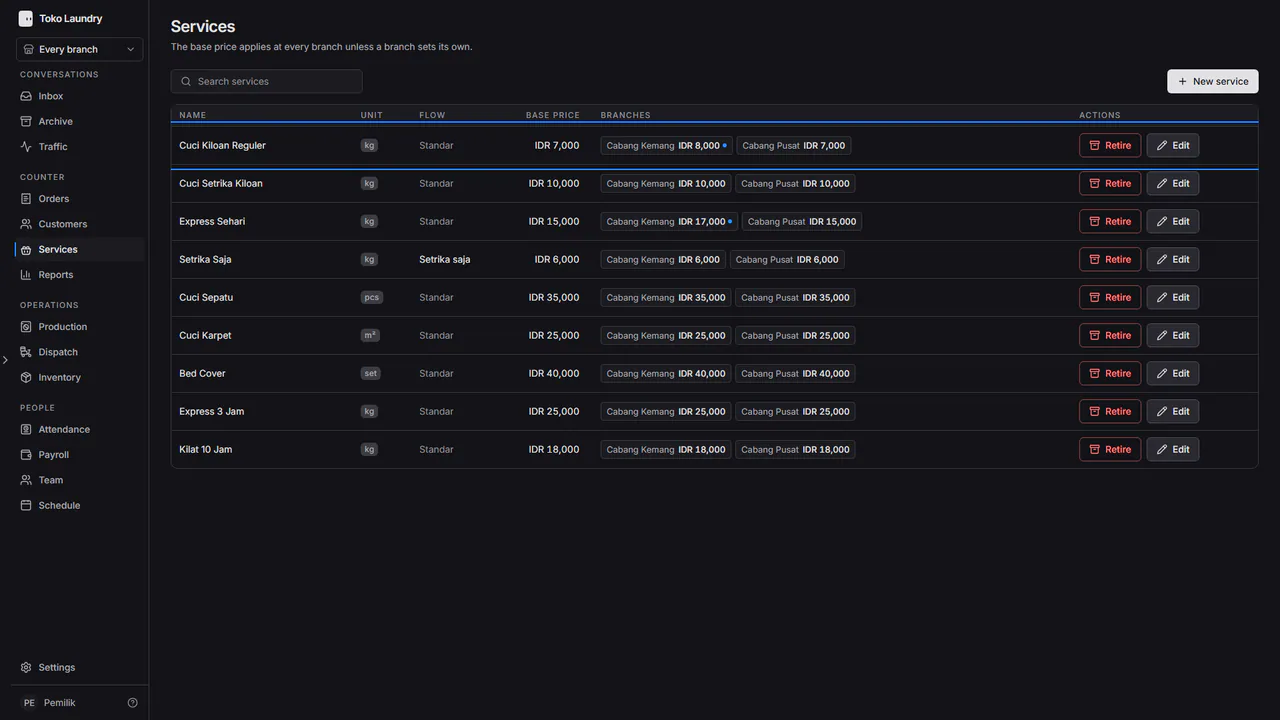
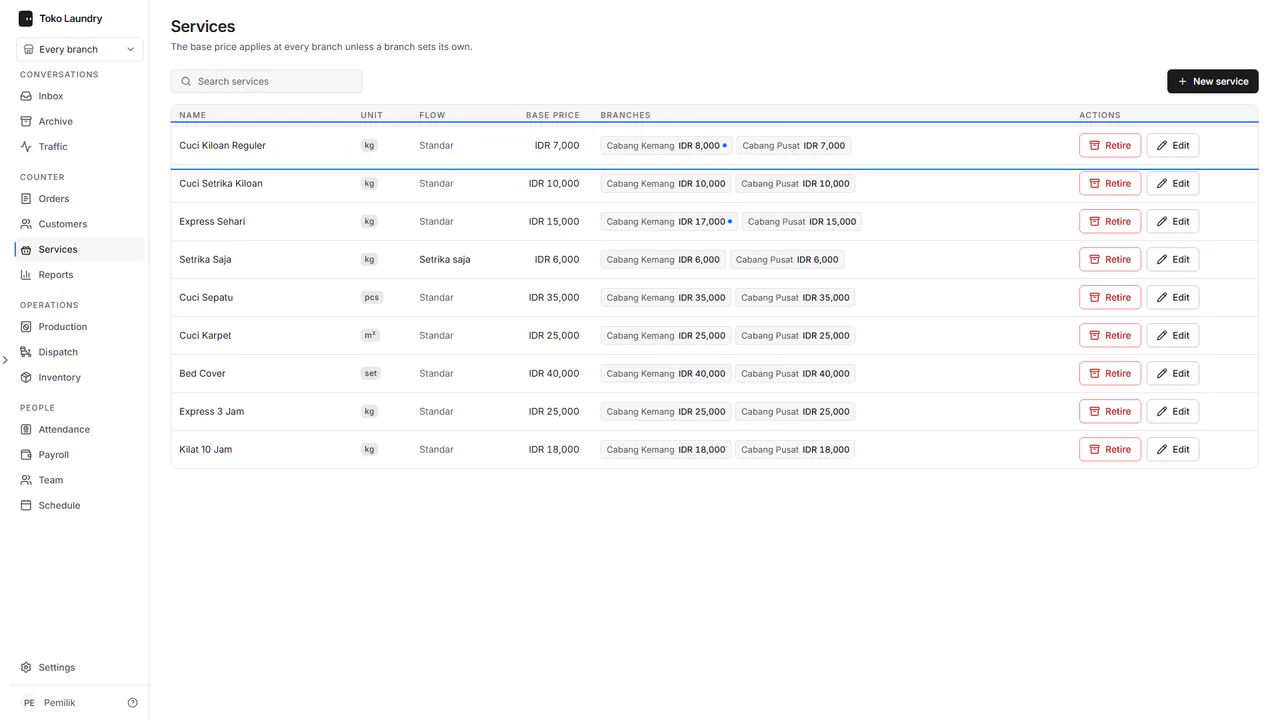 Getting started with Toko Laundry Sign in, create your business, then set up a branch, services, WhatsApp and your team.
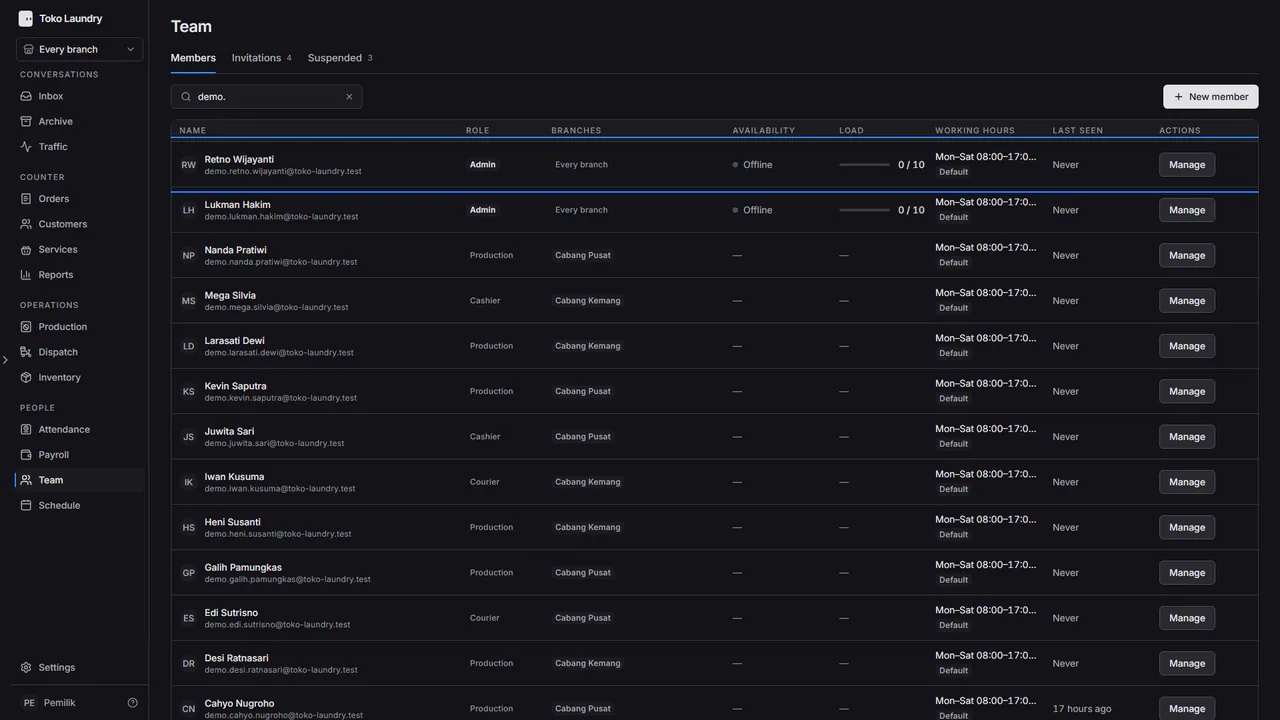
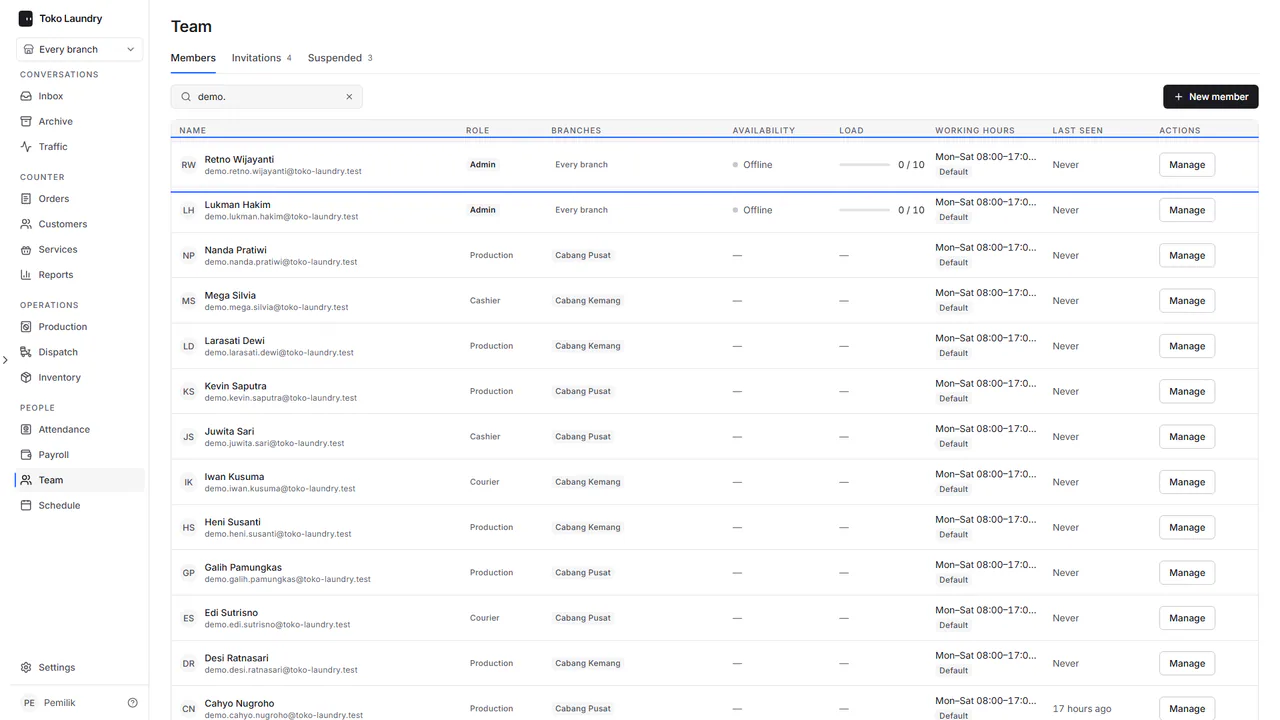 Who can do what The work each role can open, and how to change someone's role.
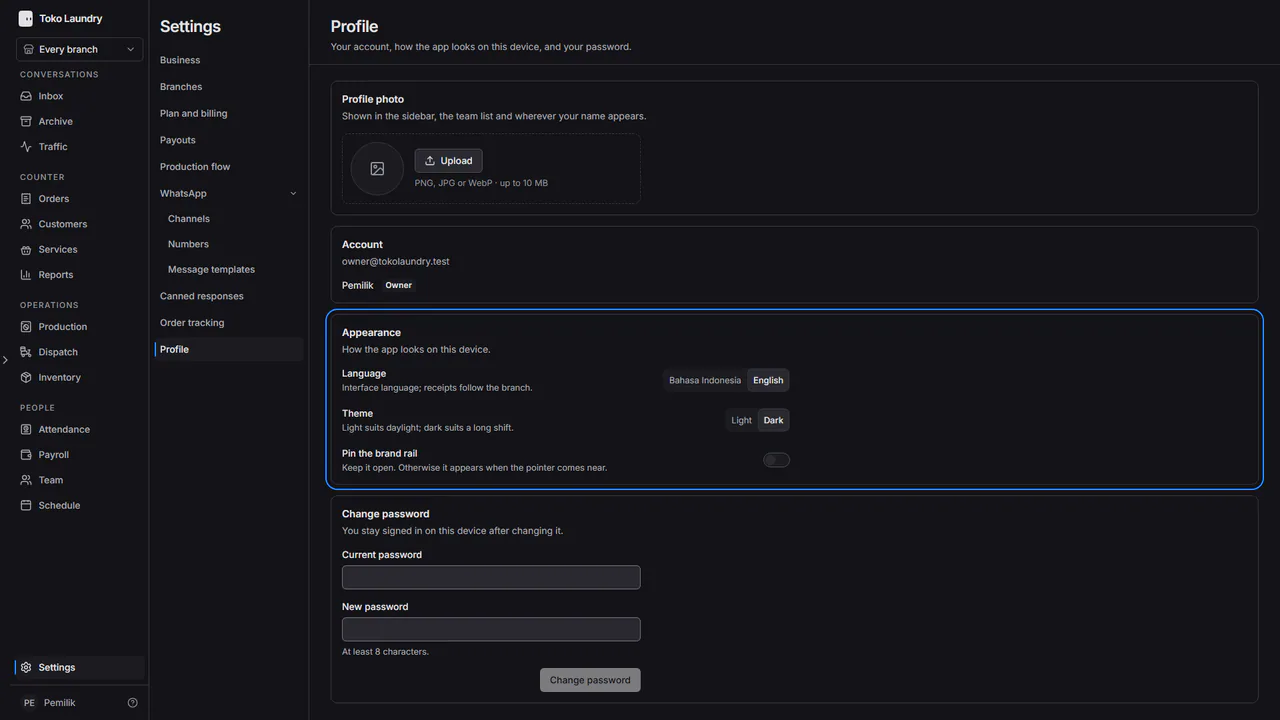
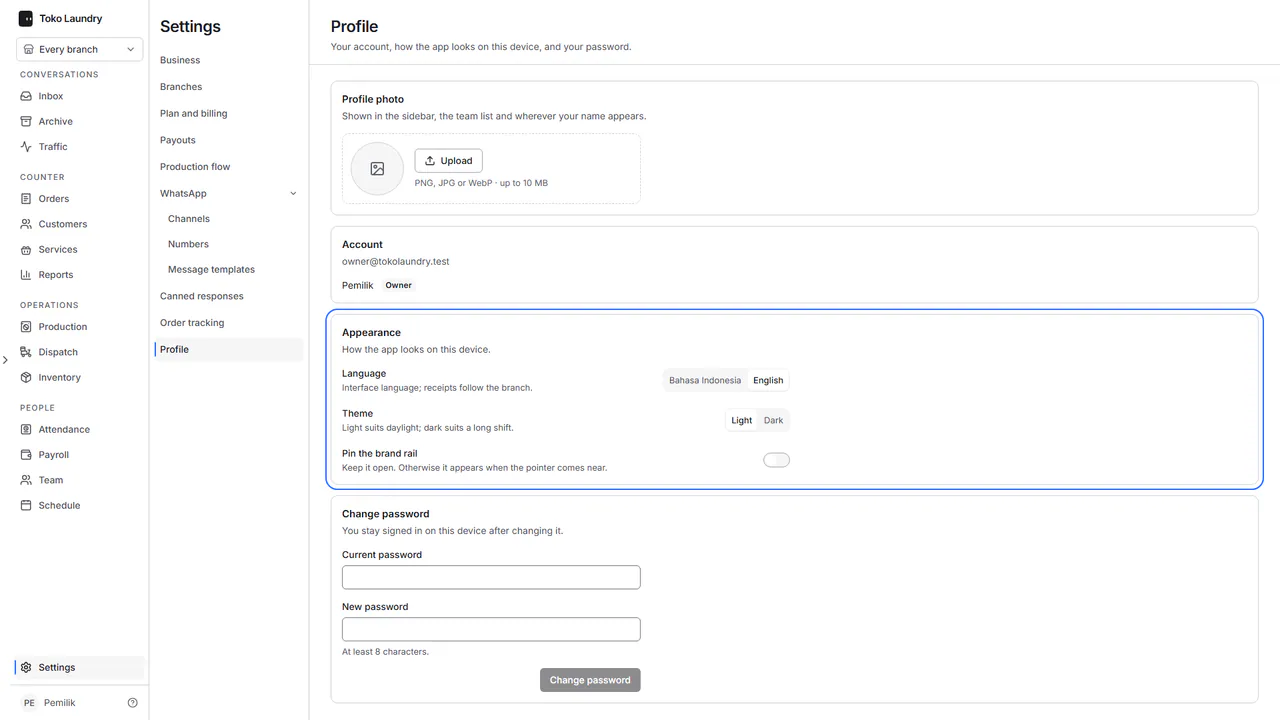 Account and profile Accept an invitation, sign in, then set your language, theme, photo and password.
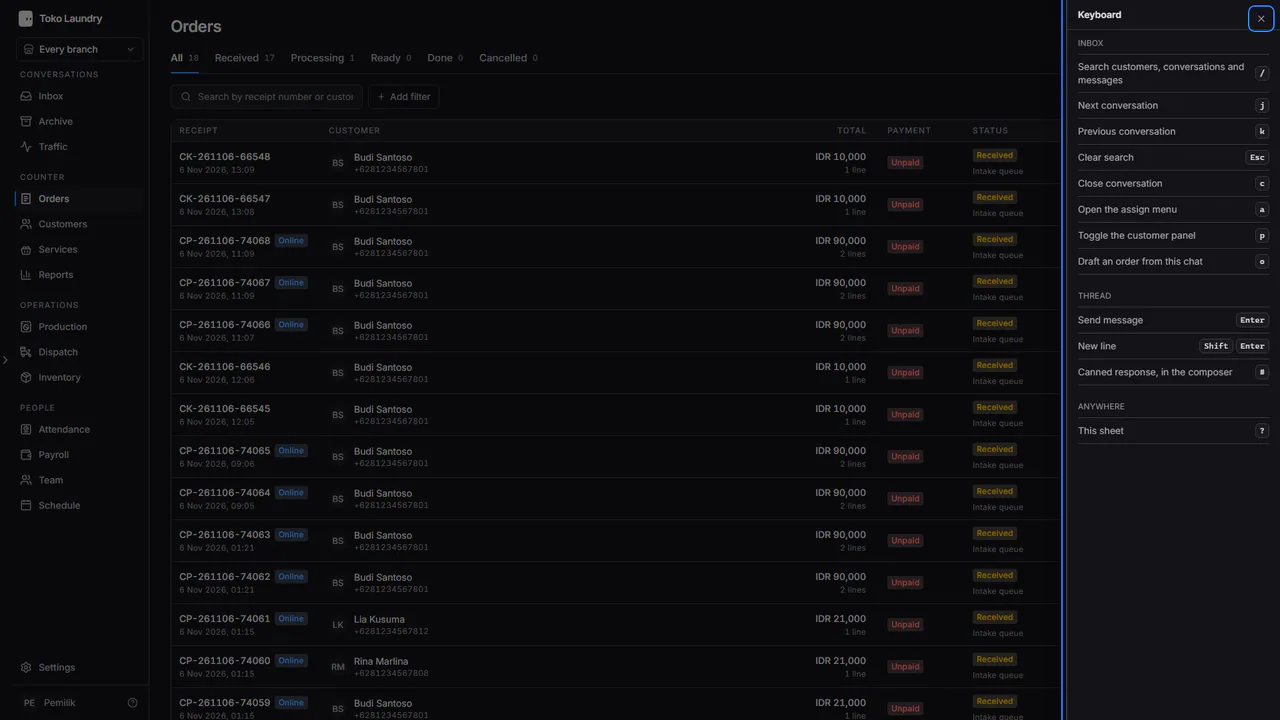
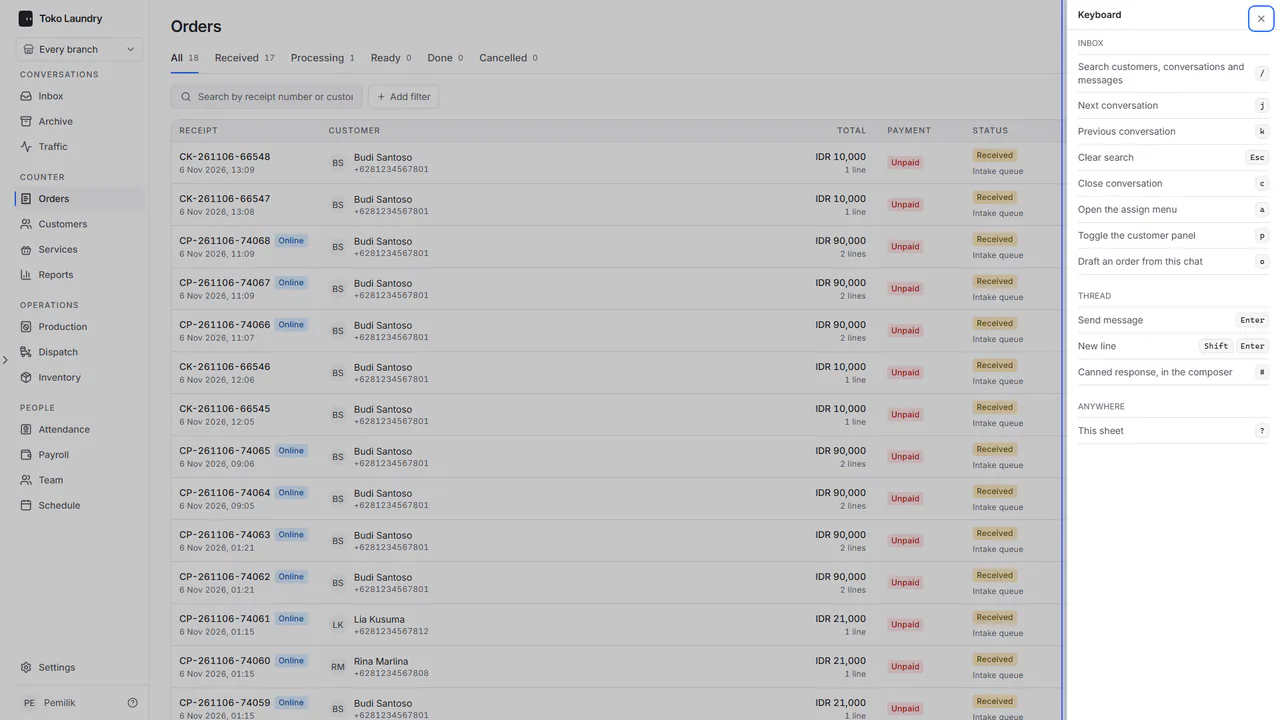 Keyboard shortcuts Keyboard keys for the Inbox, the thread and the shortcut sheet.
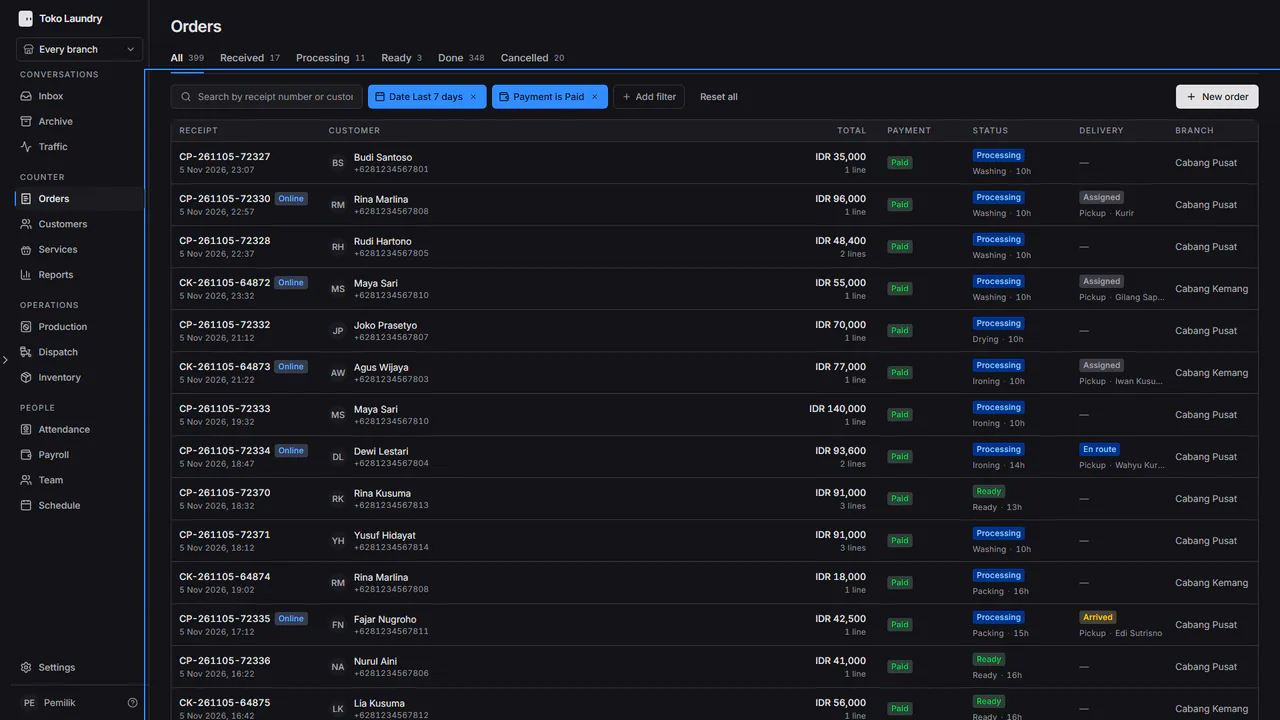
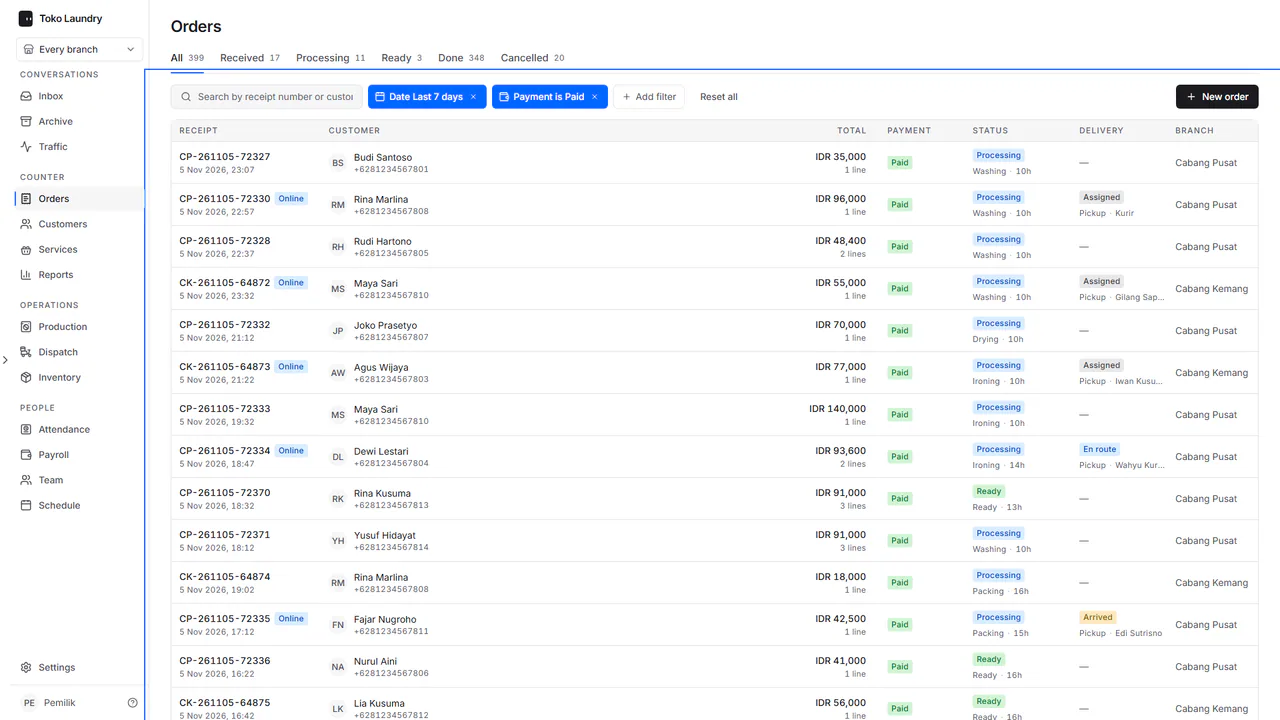 Orders Find an order, read its work and payment status, then finish it from the order panel.
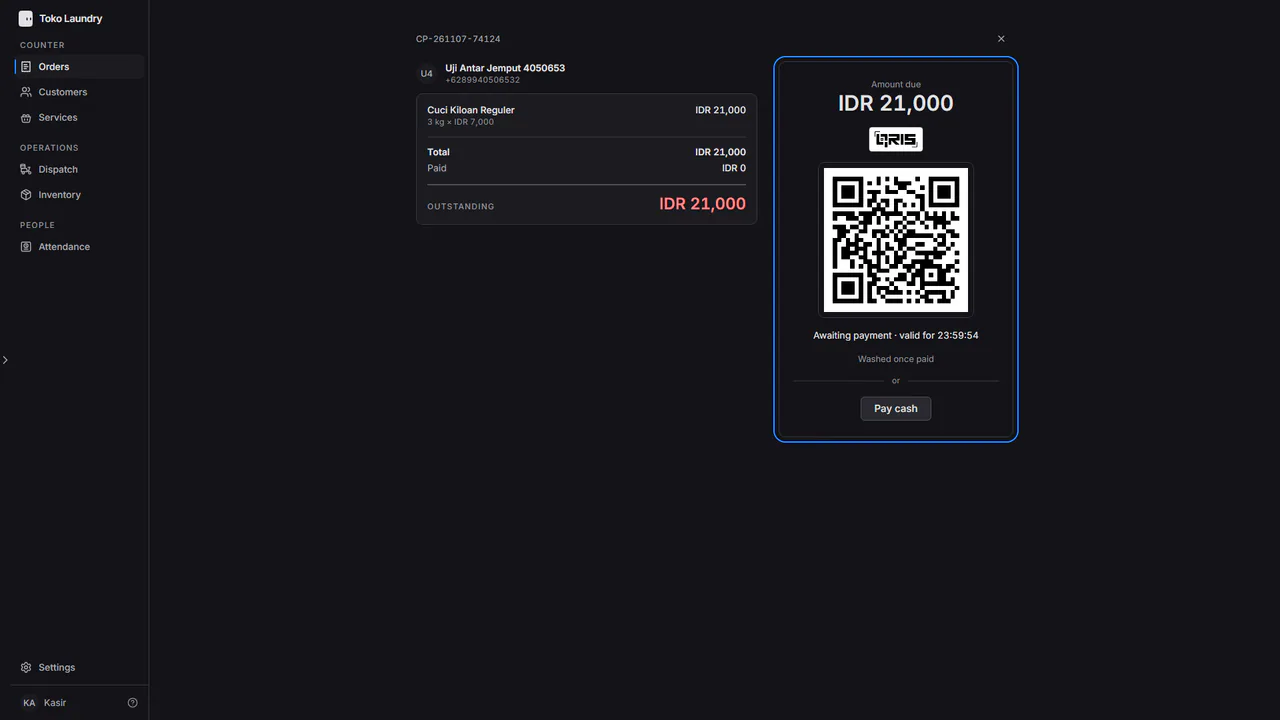
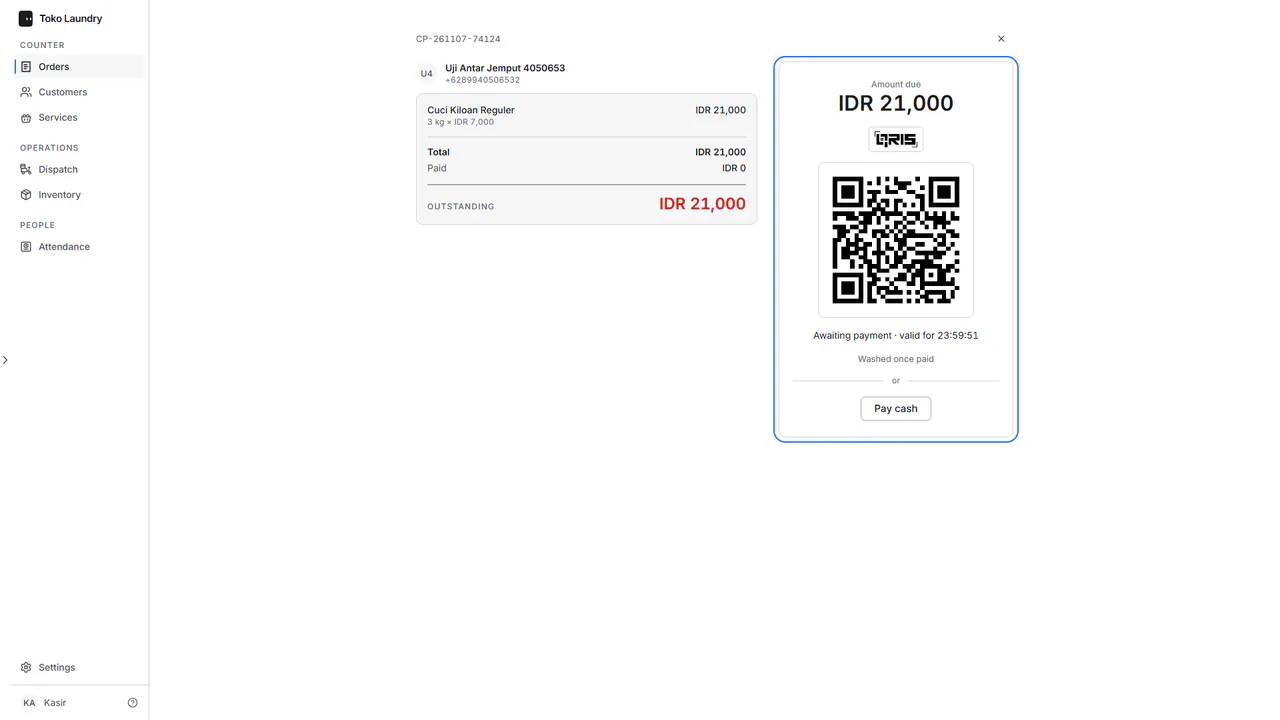 Taking payment Every order is paid in full before it is washed: QRIS on the payment page, or cash at the counter.
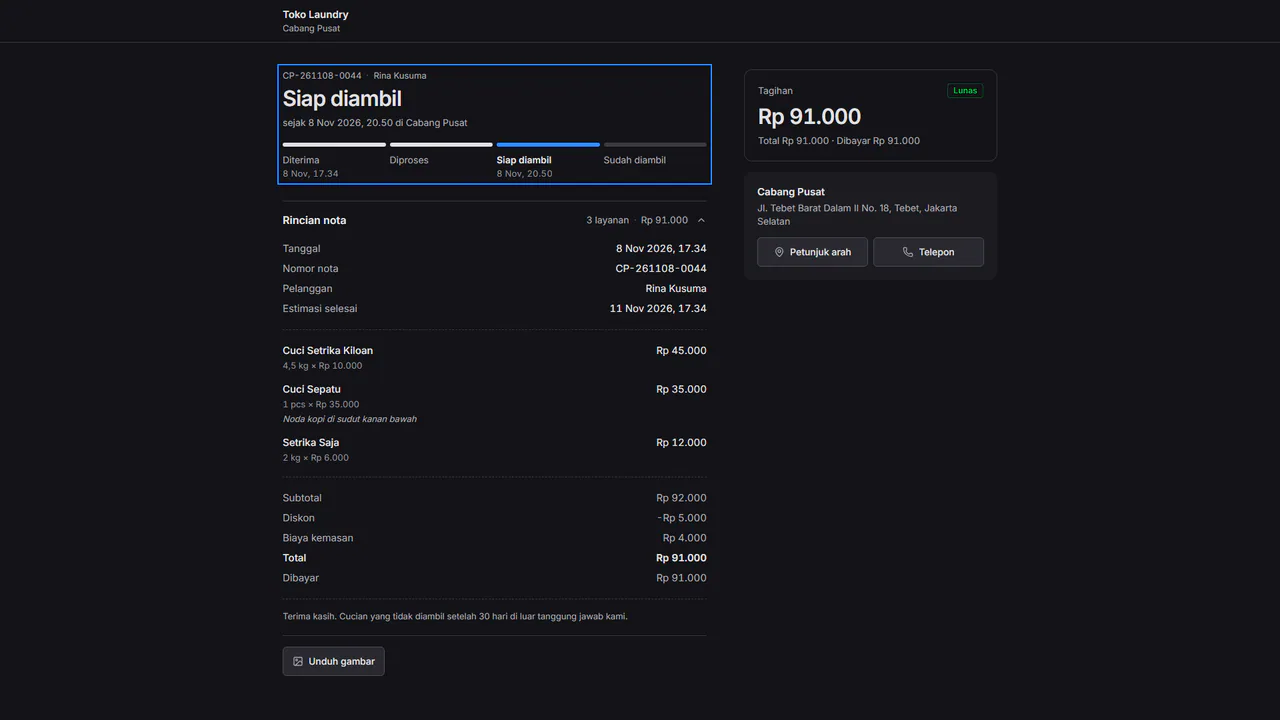
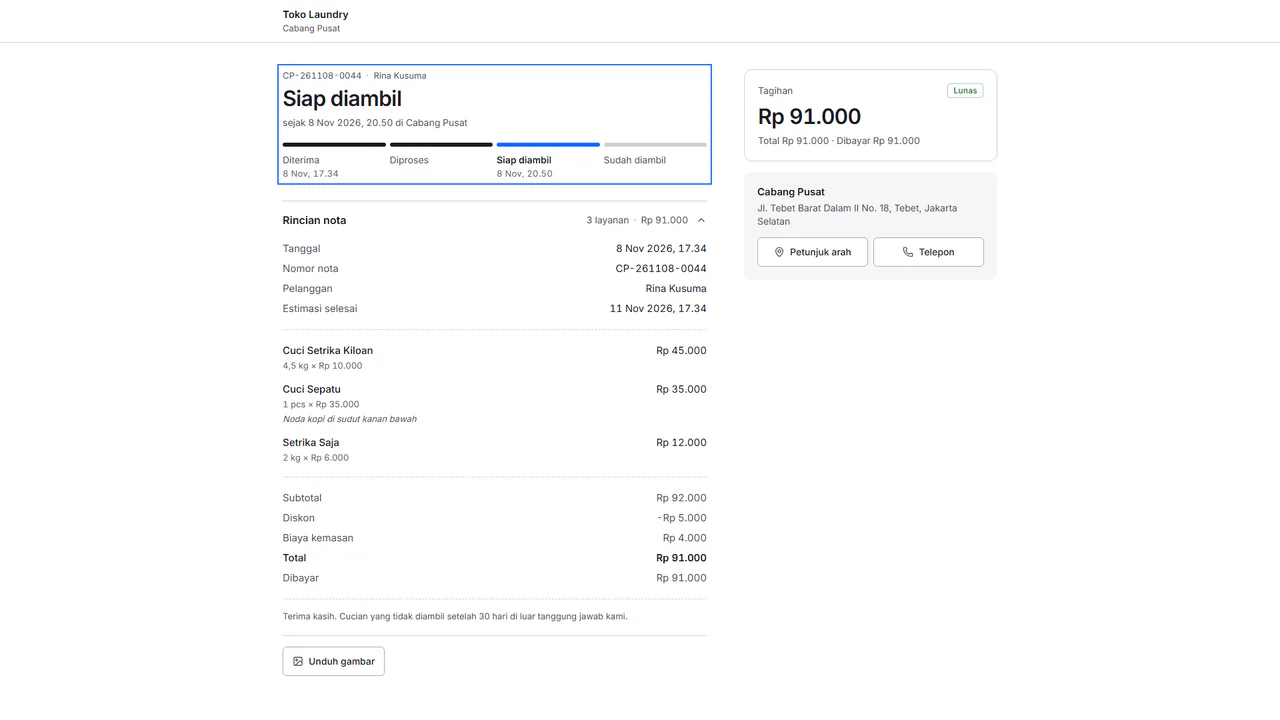 Receipts Send the receipt on WhatsApp, open the digital receipt and print it, in the customer's language.
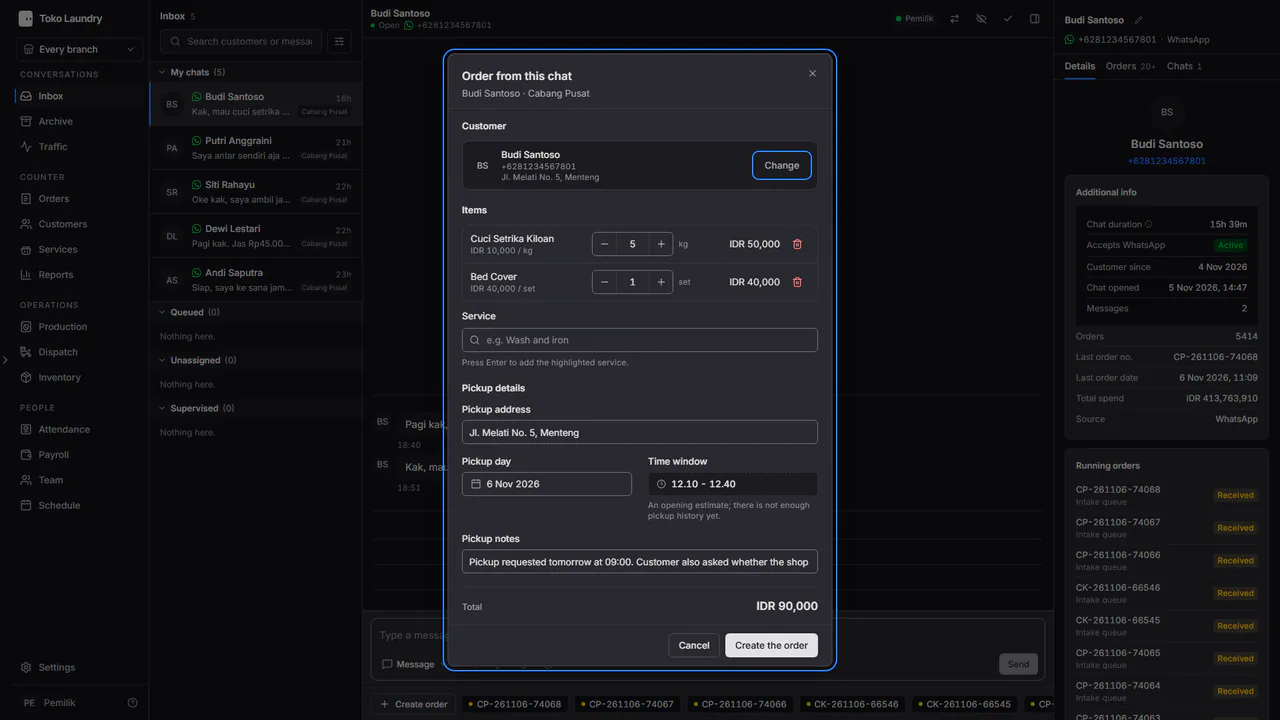
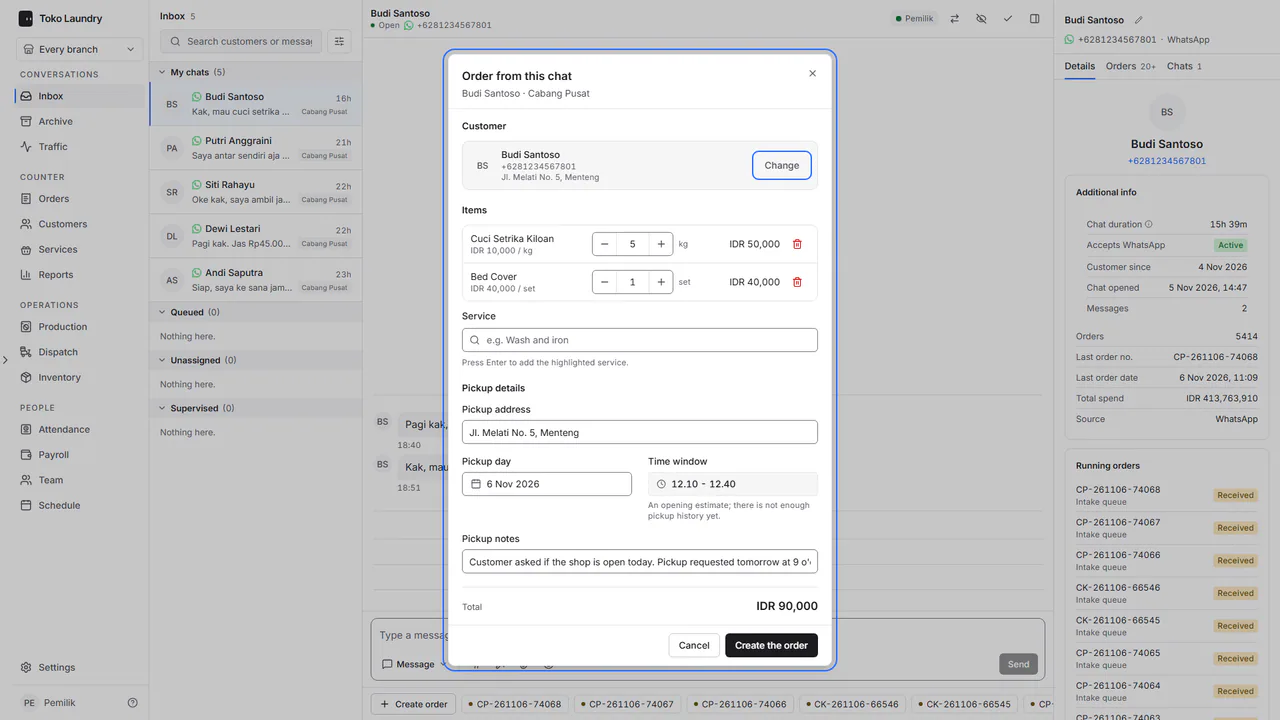 Order draft from chat Fill an order from a WhatsApp conversation, then check it before it is saved.
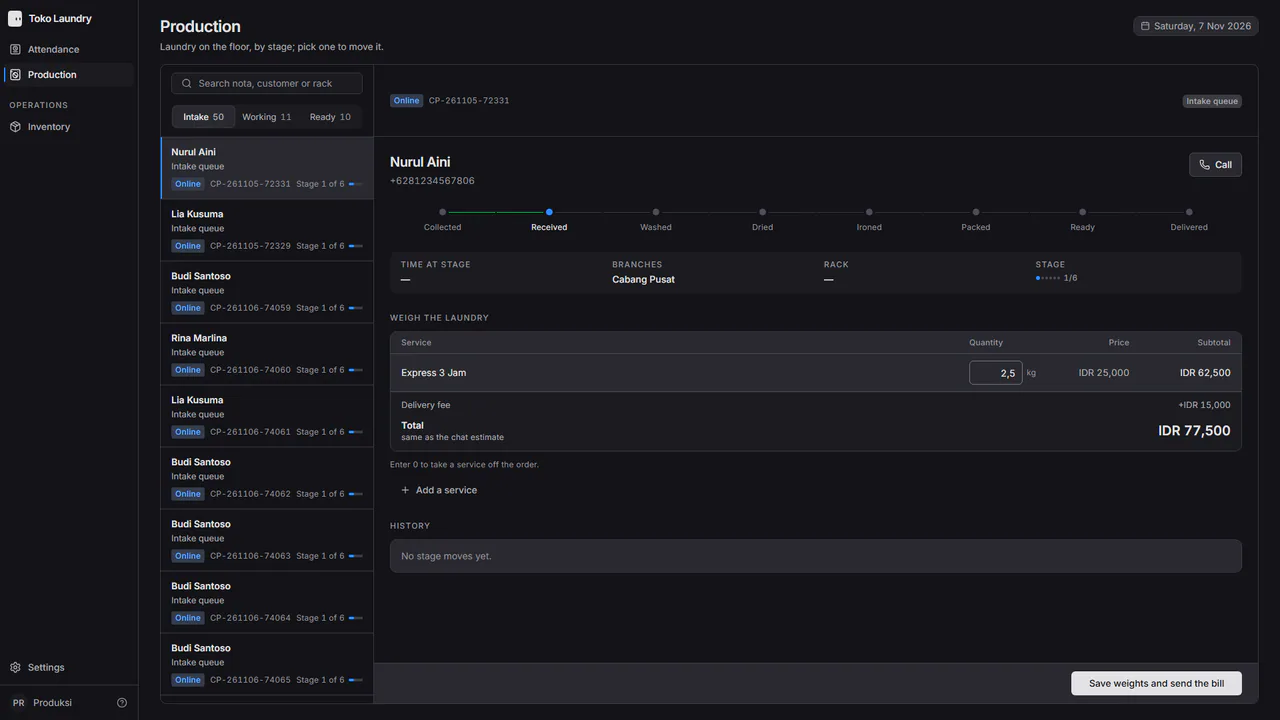
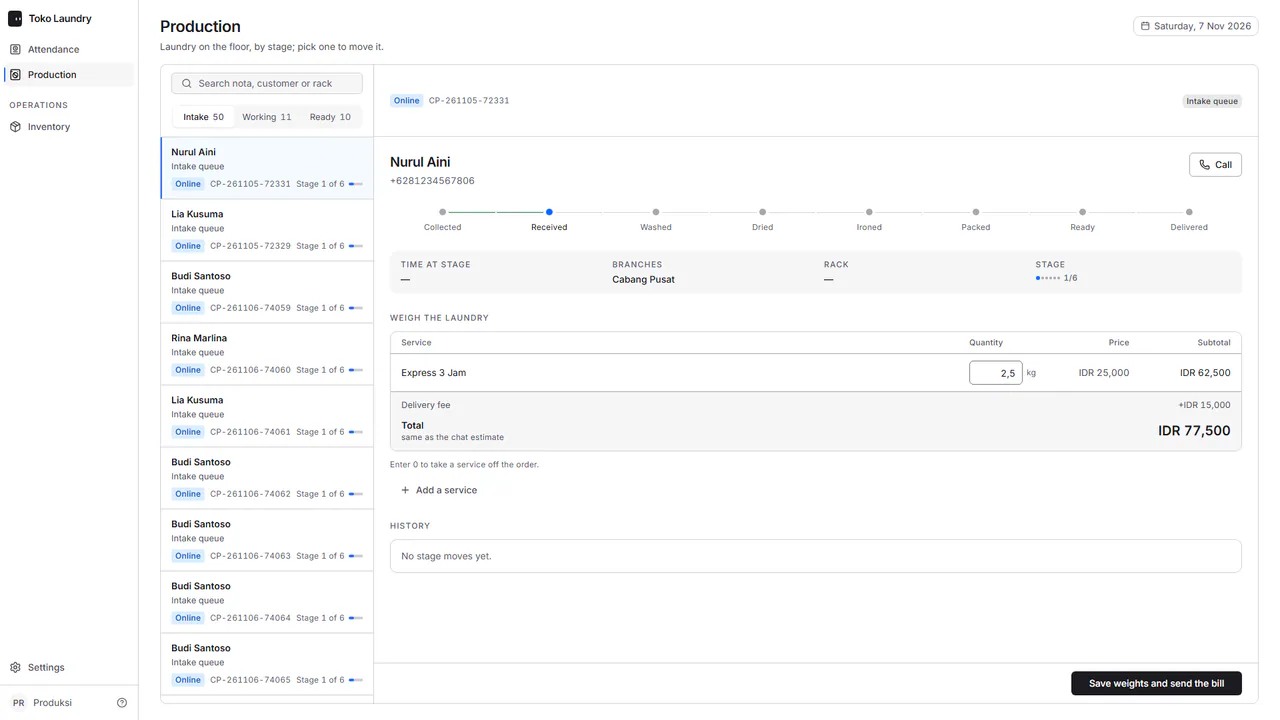 Customers paying online QRIS for counter orders, and a WhatsApp bill for online orders once they are weighed.
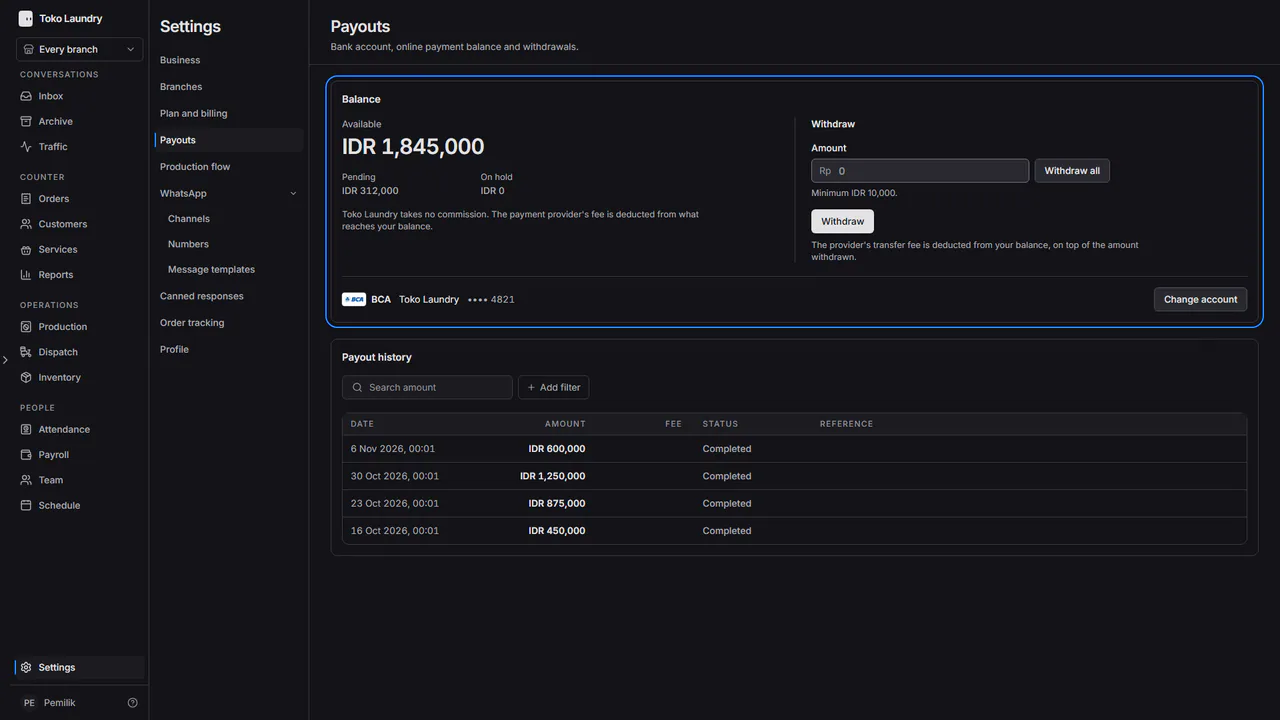
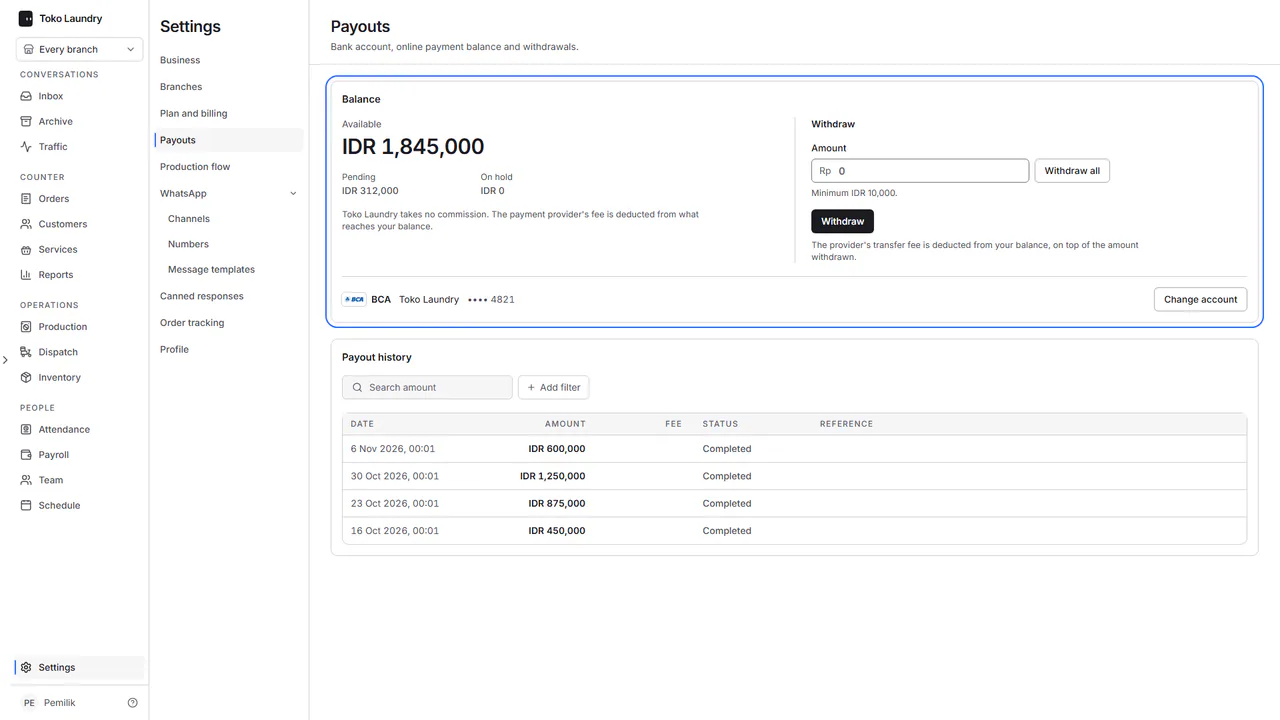 Balance and withdrawals Register a bank account, withdraw the balance and find past withdrawals.
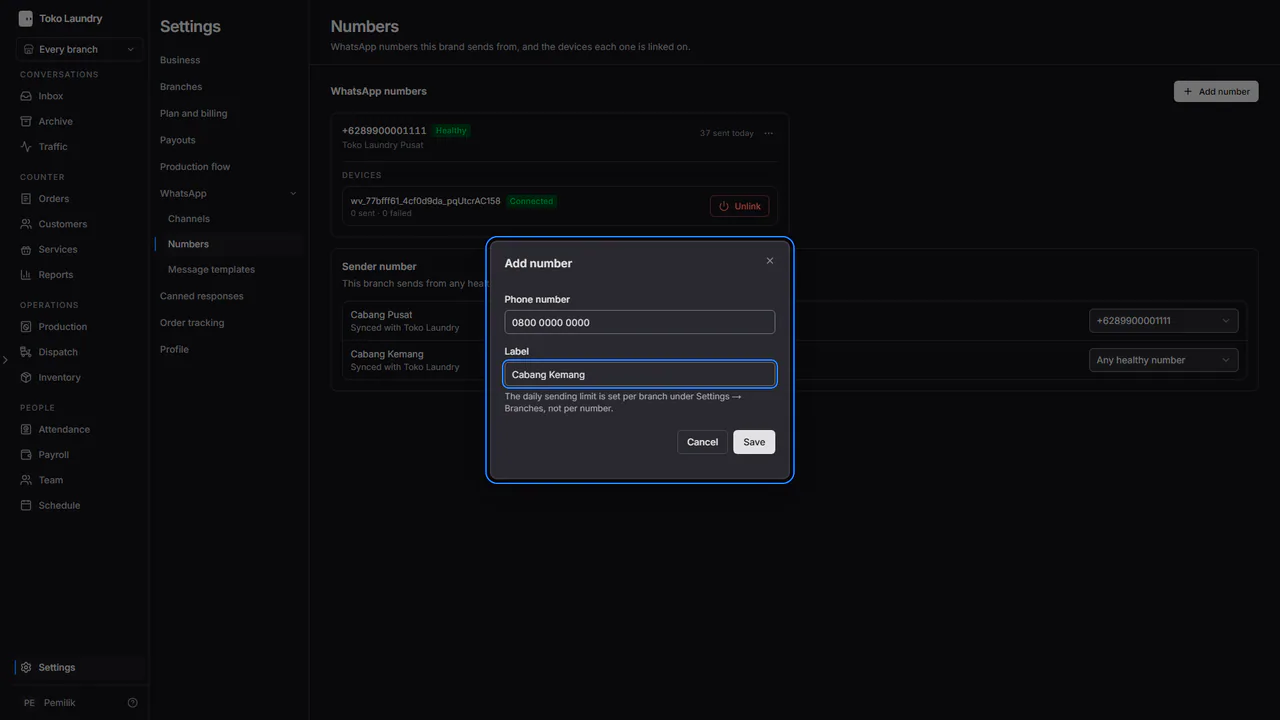
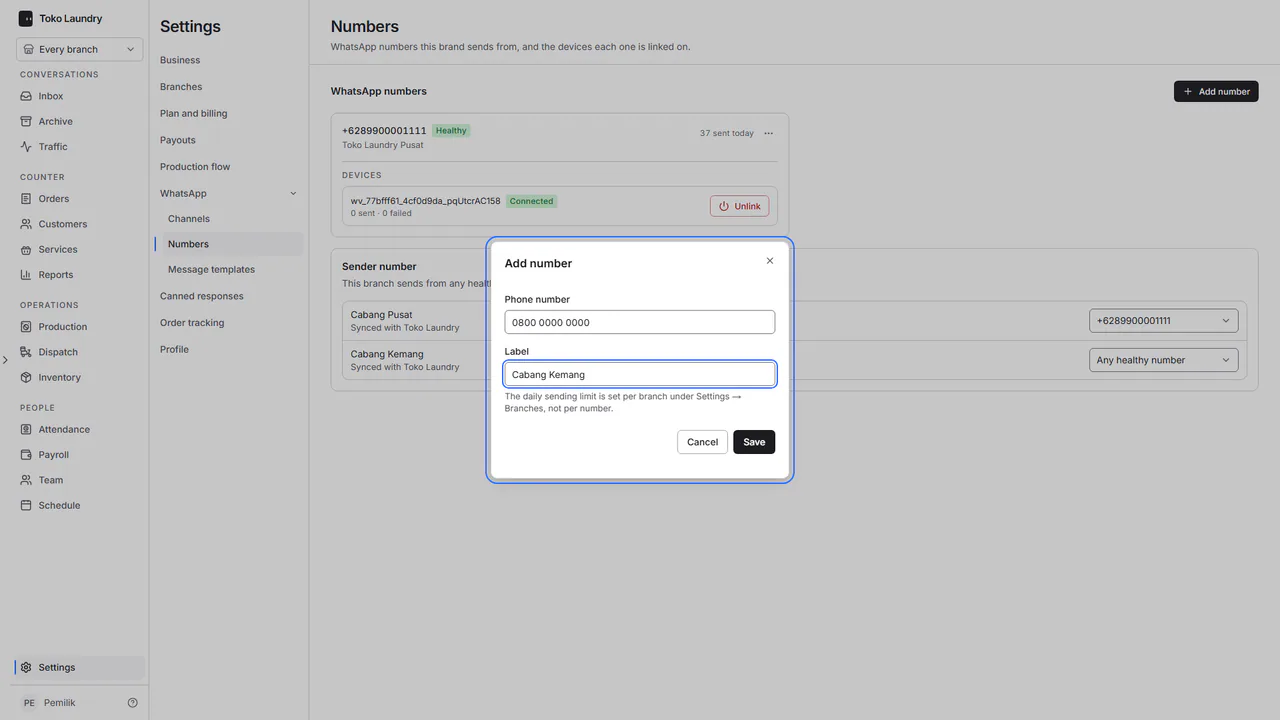 WhatsApp for customers Adding and linking a number, each branch sender number, the messages that go out by themselves, their wording and customers who opt out.
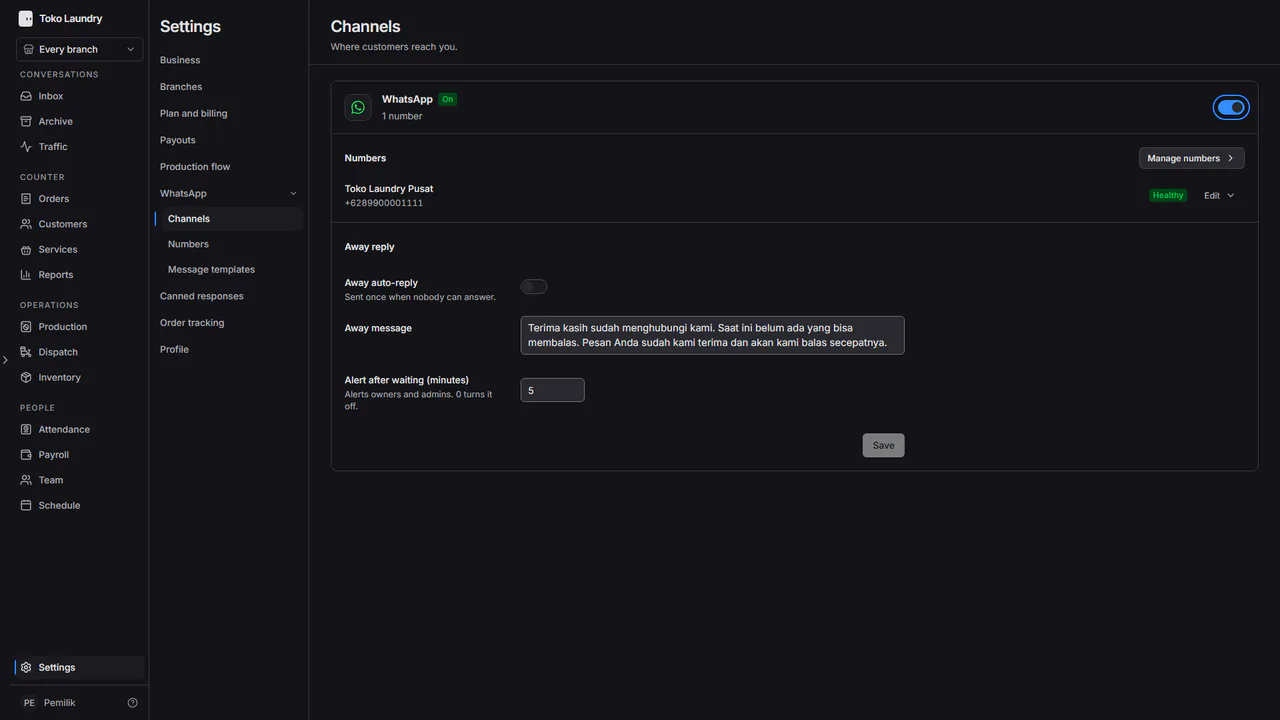
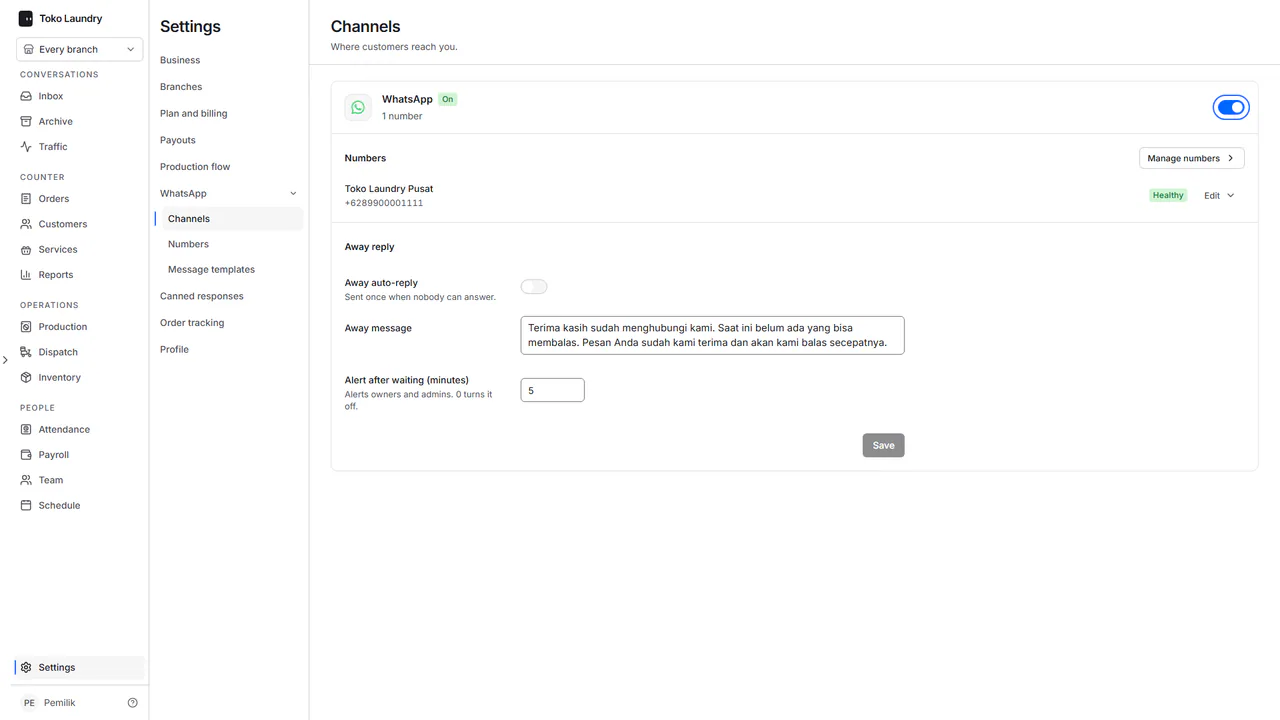 Channels and canned responses Turn WhatsApp chats on, set the away reply, and keep canned responses you call up with #.