Order tracking on your site
Customers check their laundry with the receipt number and phone number, from your website or app.
Customers type a receipt number or a phone number on your laundry's website or app, then see where their laundry is: received, washing, ready, done, with its full history. Much like tracking a parcel. Toko Laundry gives you one API endpoint; your developer builds the look.
For owners and admins.
Steps to create a key
Open Settings > Order tracking, then press Create key.
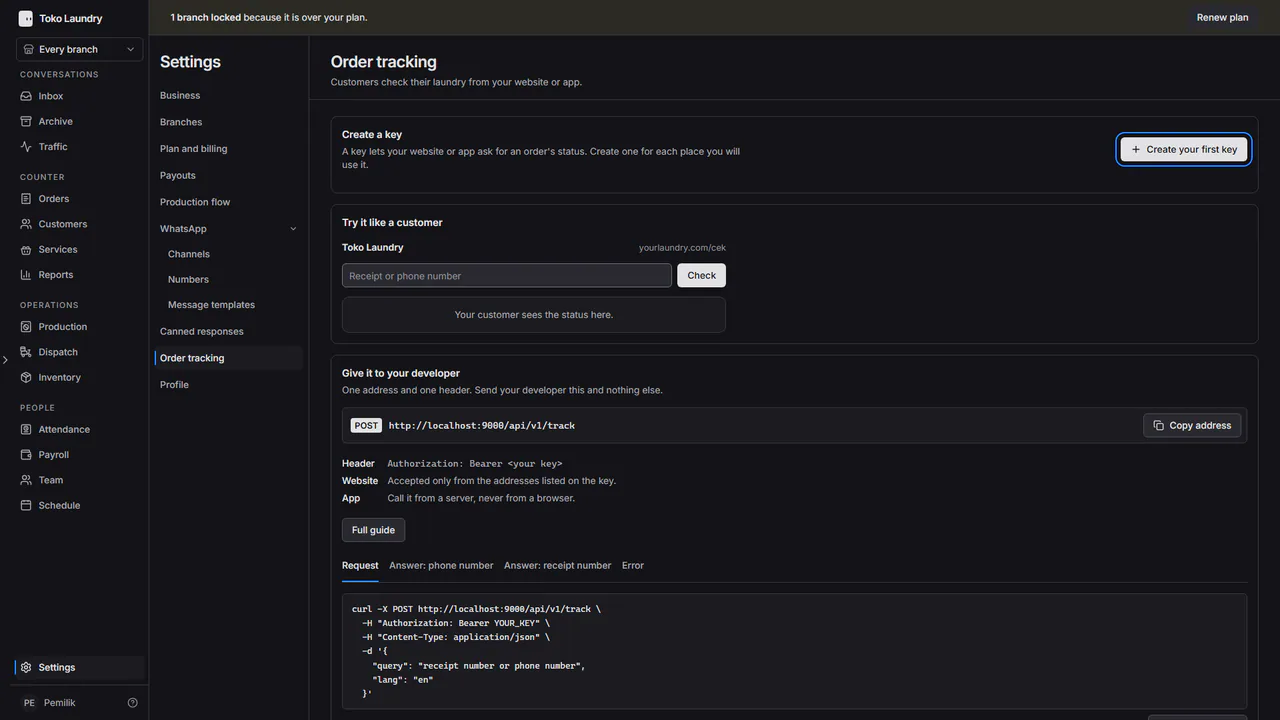
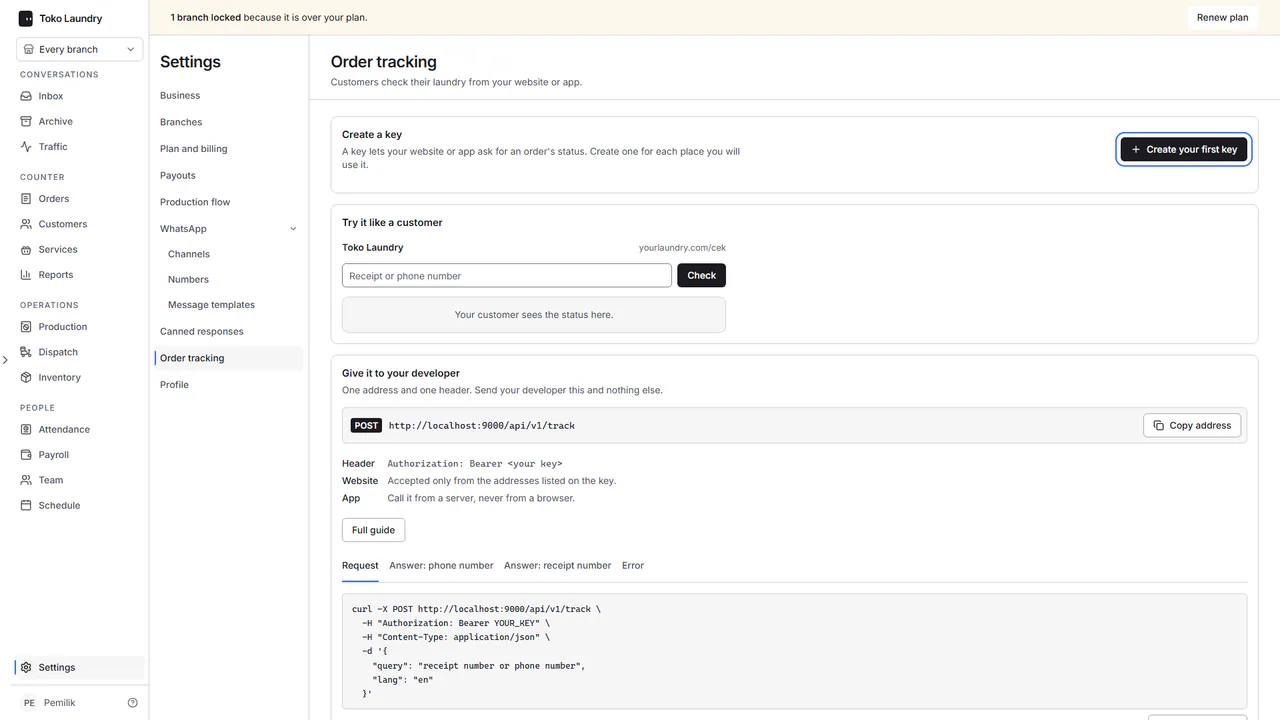
Choose where the key will be used: Website when it is called from a browser, App when it is called from a server, Android or iPhone. Press Next.
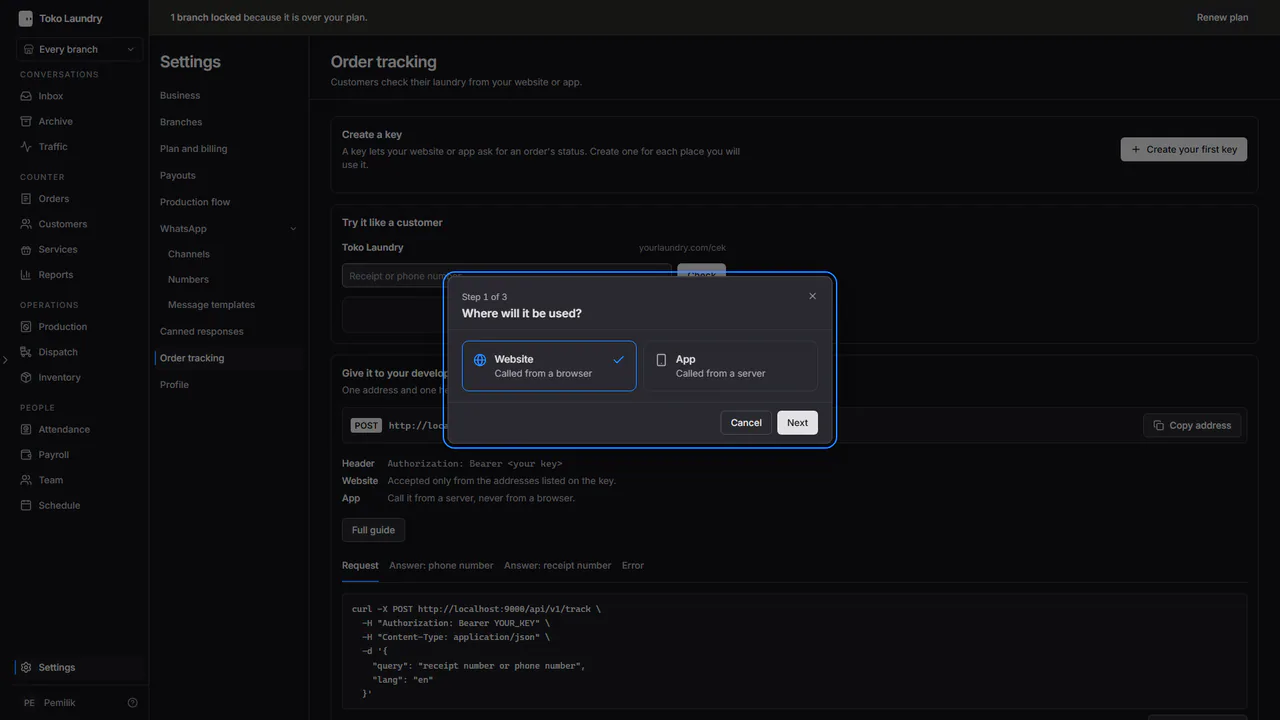
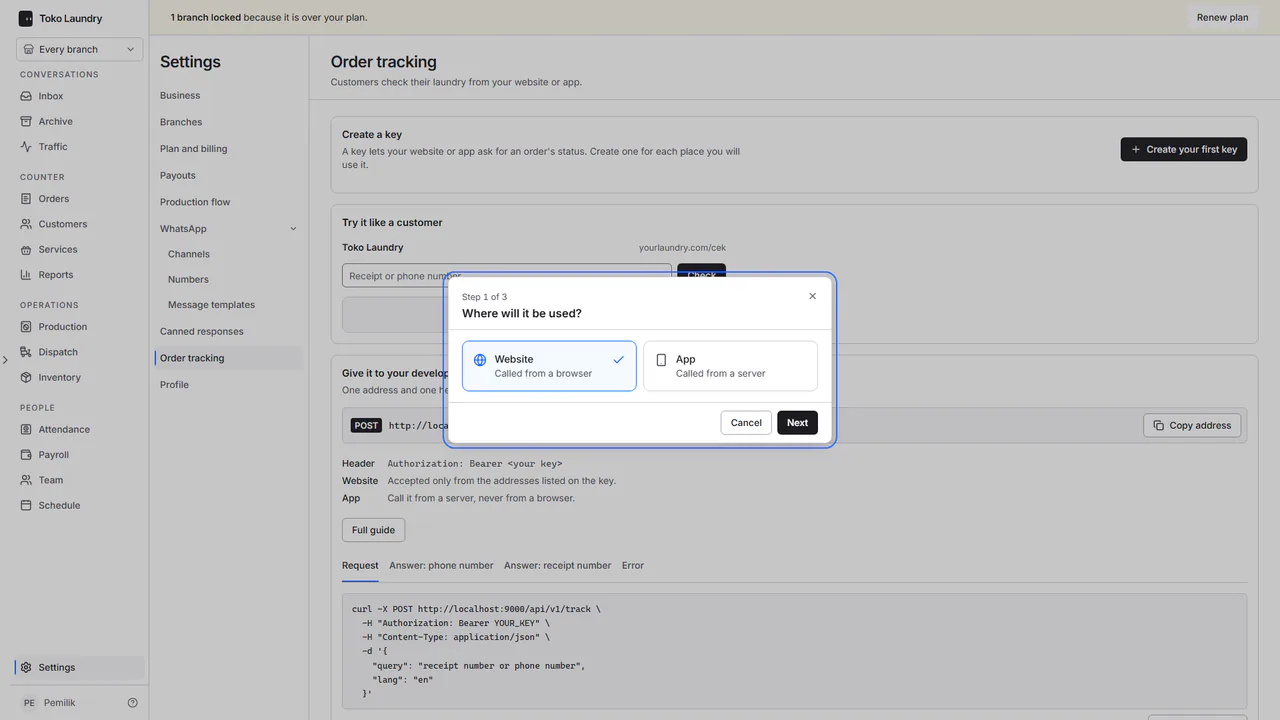
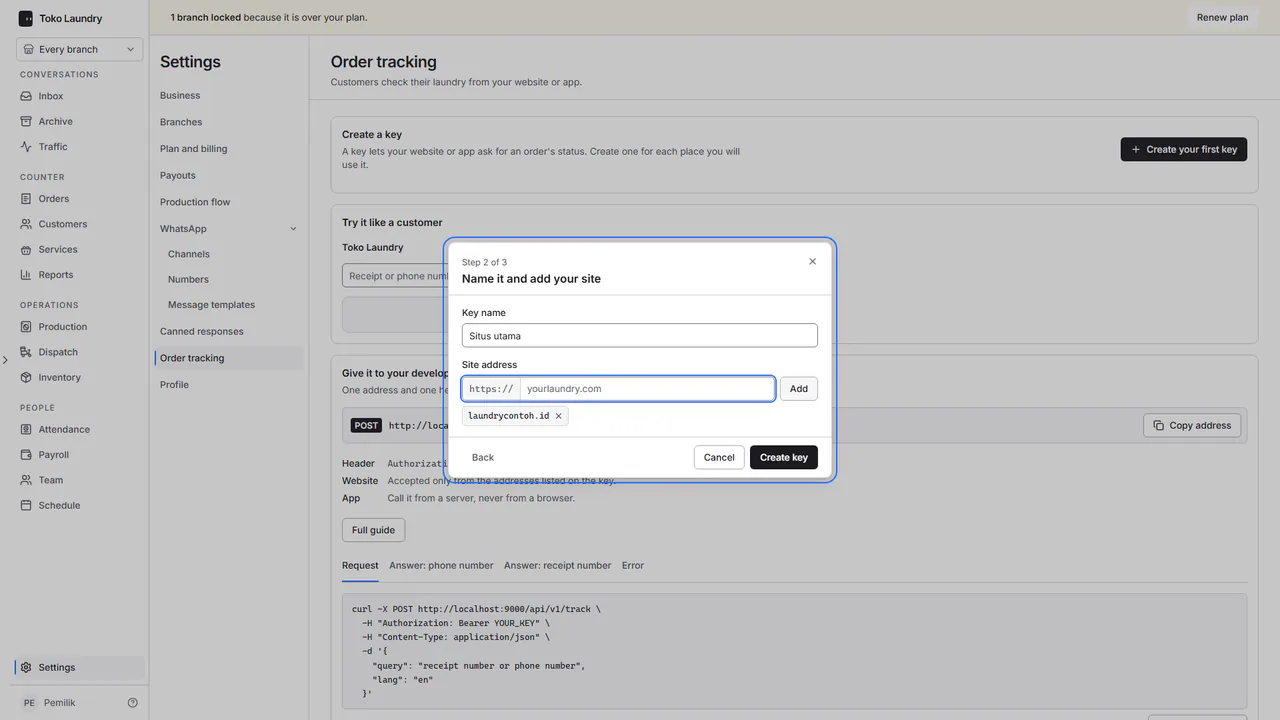
Fill in Key name. For a website, type the site address without
https://and press Add; repeat for other addresses, for example with and withoutwww. Press Create key.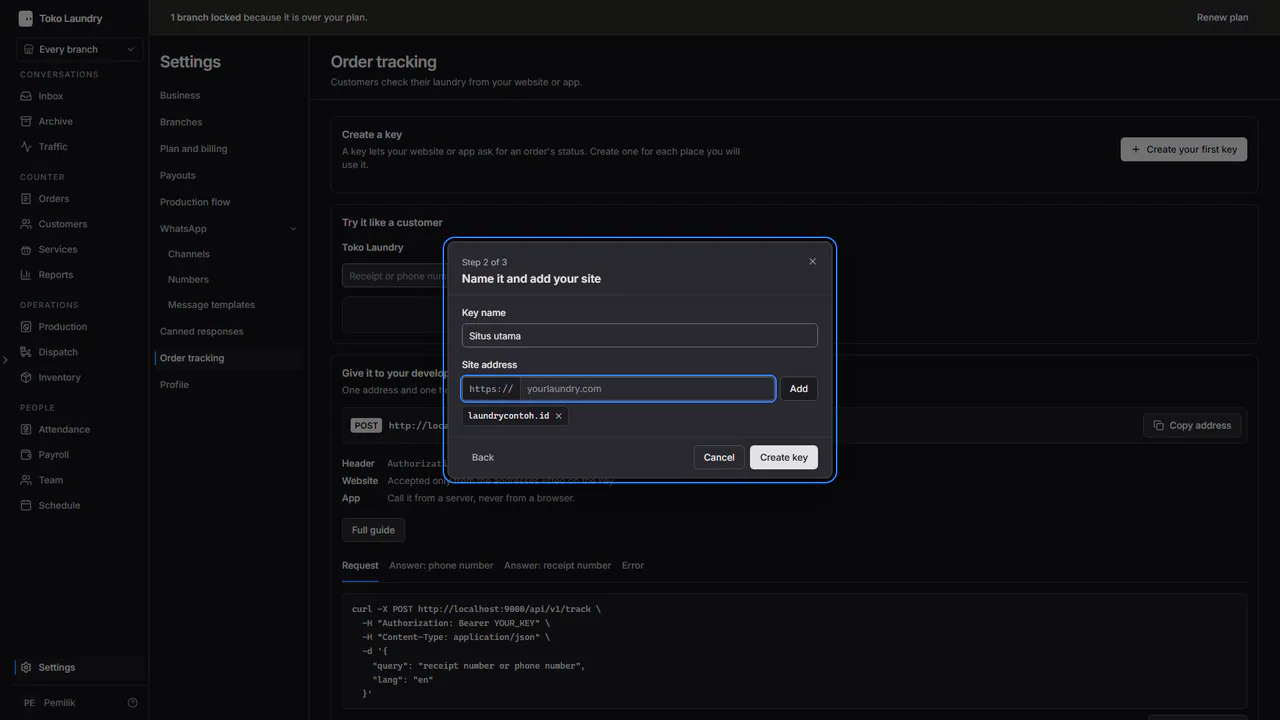
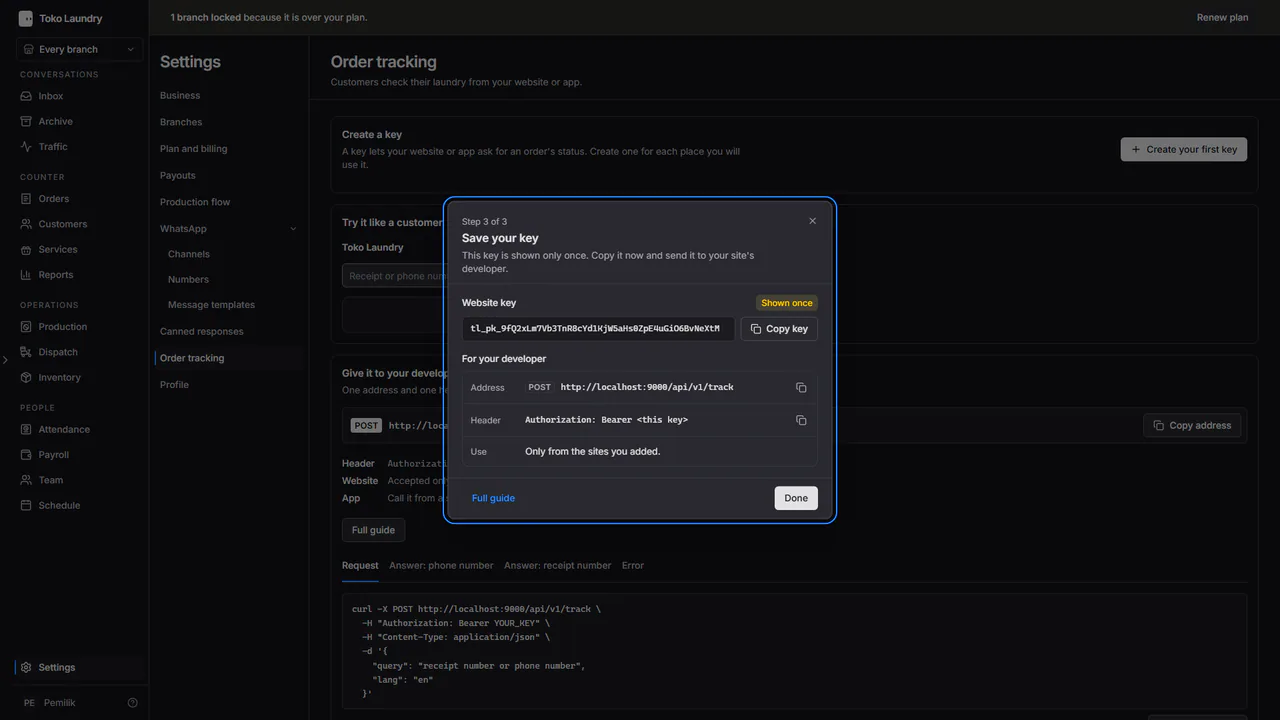
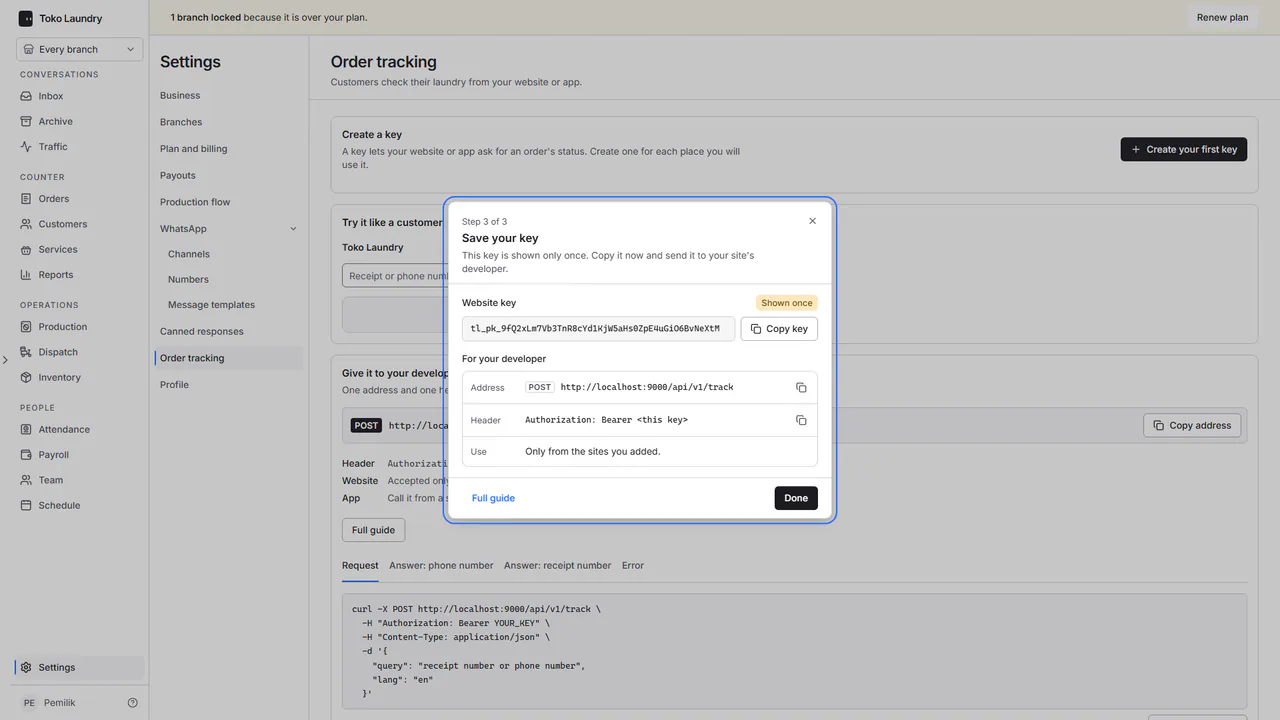
Copy the key, then hand it to your developer with the API address shown under it. The key is shown once. If it is lost, turn that key off and create a new one.
A business can hold 10 active keys. Edit addresses changes the site list of a website key. Turn off stops a key at once, and a key that is turned off cannot be turned back on.
The page is three cards, top to bottom, like the other settings pages. Create a key lists the live keys, with their type, the start of the key, how often each was used in the last 30 days and its site addresses. Try it like a customer shows a small example website: type a receipt number or a phone number and it draws the answer the way your customer would see it, with the four steps (received, washing, ready, done) and the order history. It runs without a key. Give it to your developer shows the endpoint and the header, and the tabs Request, Answer: phone number, Answer: receipt number and Error hold examples you can copy.
Call the API
Send POST https://tokolaundry.id/api/v1/track with the key in the Authorization header and one query field:
curl -X POST https://tokolaundry.id/api/v1/track \
  -H "Authorization: Bearer tl_sk_..." \
  -H "Content-Type: application/json" \
  -d '{"query":"0812 3456 7890","lang":"en"}'
query is the receipt number or phone number the customer typed, as typed. lang is the label language (id or en, id by default).
A website key (tl_pk_...) is called from JavaScript on your site's pages, and it is accepted only from the addresses listed on that key. To try it on your own computer, add localhost with its port.
const answer = await fetch('https://tokolaundry.id/api/v1/track', {
  method: 'POST',
  headers: { Authorization: 'Bearer tl_pk_...', 'Content-Type': 'application/json' },
  body: JSON.stringify({ query: field.value, lang: 'en' }),
})
An app key (tl_sk_...) is used from your server. The Android or iPhone app calls your server, and your server calls Toko Laundry.
Receipt number or phone number
Spaces, dots, dashes and brackets are dropped first. If what is left is an Indonesian mobile number (starting 08, 628 or +628), the lookup uses the phone number. Anything else is read as a receipt number.
- A receipt number returns that one order, whatever its status.
- A phone number returns every order of that customer that is not finished yet, 10 at most, newest first. Orders already picked up, delivered or cancelled are left out.
The answer
{
  "matched_by": "phone",
  "customer": { "name": "B***i S." },
  "orders": [
    {
      "order_number": "MRG-071125-0042",
      "status": "ready",
      "status_label": "Ready for pickup",
      "progress": 3,
      "branch": { "name": "Laundry Contoh Margonda", "phone": "+62 21 7788 1234" },
      "estimated_ready_at": null,
      "payment_status": "paid",
      "items": [{ "service": "Wash and iron", "quantity": 4.2, "unit": "kg" }],
      "checkpoints": [
        { "kind": "ready", "step": null, "label": "Ready for pickup", "at": "2026-11-07T14:20:00+07:00", "note": "At Laundry Contoh Margonda" },
        { "kind": "stage", "step": "ironing", "label": "Ironed", "at": "2026-11-07T11:05:00+07:00" }
      ]
    }
  ],
  "as_of": "2026-11-07T14:21:00+07:00"
}
| Field | Holds |
|---|---|
matched_by |
order_number or phone, how query was read |
customer |
the masked customer name |
orders |
one order for a receipt number; the unfinished orders for a phone number |
status |
received, processing, ready, picked_up, delivered or cancelled |
status_label |
the label in the lang language, such as Being washed, Ready for pickup, or Out for delivery while a courier heads to the customer |
progress |
1 received, 2 in progress, 3 ready, 4 picked up or delivered, 0 cancelled |
payment_status |
paid or unpaid |
checkpoints |
the history, newest first; a work step's label uses your business's own step name |
The answer never holds prices, staff or courier names, a location, the receipt link, order notes, or the customer's phone number.
Step icons
Every checkpoint has a kind. For a production step (kind: "stage"), step names it: washing, drying, ironing or packing; a step your business made itself is null. Use the two fields if you want an icon on each history row.
kind |
step |
Means |
|---|---|---|
received |
null |
received at the branch |
weighed |
null |
weighed, note holds the weight |
stage |
washing, drying, ironing, packing |
washed, dried, ironed, packed |
stage |
null |
a work step your business made |
ready |
null |
ready for pickup |
delivery |
null |
a courier heads to the customer |
picked_up, delivered |
null |
picked up or delivered |
cancelled |
null |
cancelled |
For a four-step bar, progress alone is enough.
When it fails
| Code | Means |
|---|---|
400 invalid_request |
query is empty or longer than 40 characters. |
401 invalid_key |
The key is wrong or turned off. |
403 origin_not_allowed |
The site address is not listed on the website key. |
403 secret_key_in_browser |
An app key was used from a site page. Create a website key. |
404 not_found |
No laundry for that number: the receipt number does not exist, or the phone number has no unfinished order. |
429 rate_limited |
Too many tries. Wait the seconds in the Retry-After header. |
Security
A receipt number alone or a phone number alone is enough to see laundry. That means anyone who knows a customer's phone number can see their unfinished orders. What protects customer data: a phone number opens only unfinished orders, the customer name is masked, the answer holds no prices, staff names, location or receipt link, and failed tries are limited per IP address.
A website key is visible to anyone who opens your site's page code, so it is accepted only from the addresses listed on it. Keep an app key on your server, never in site code or inside a phone app. A request that carries an app key from a browser is refused.