WhatsApp chat
Answer chats from the Inbox, hand them to a teammate, then close them to the Archive.
Chats to a branch's WhatsApp number arrive in the Inbox. There you answer them, hand them to a teammate, create orders and close them to the Archive.
For owners and admins. Cashiers, production staff and couriers do not open chats.
Steps to reply to a chat
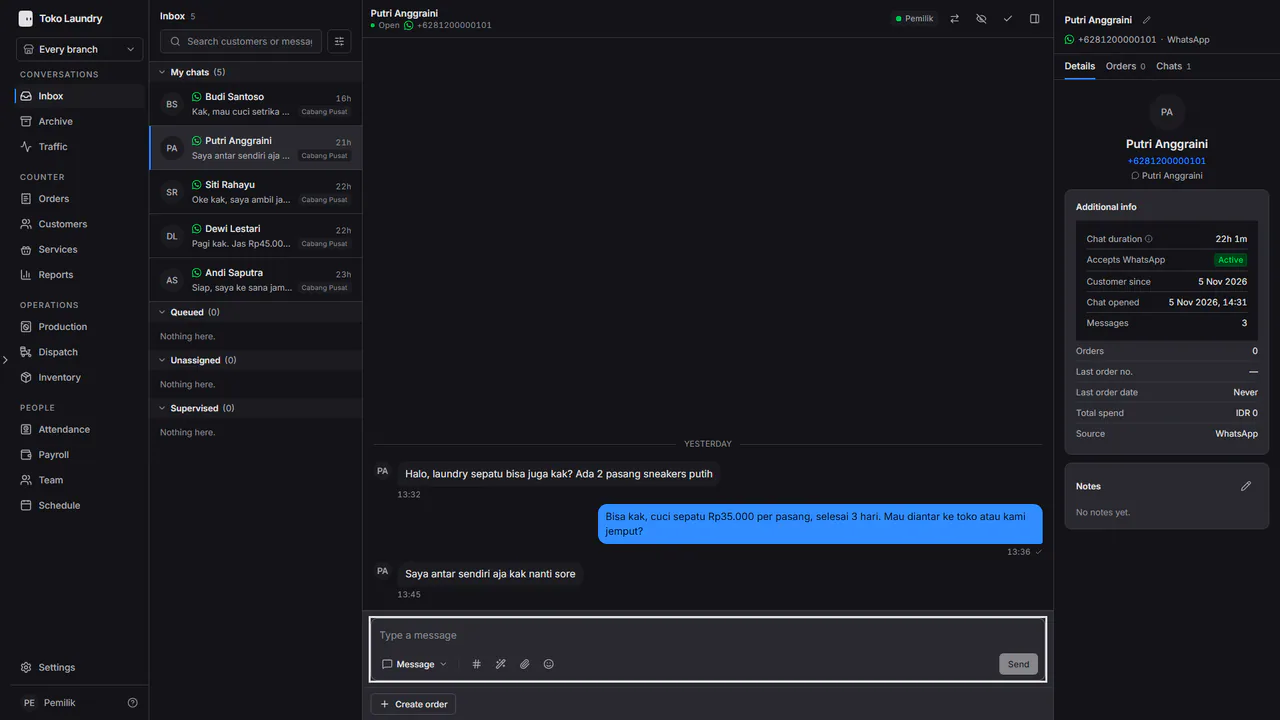
Open Inbox and pick a chat. The list is split into My chats, Queued, Unassigned and Supervised.
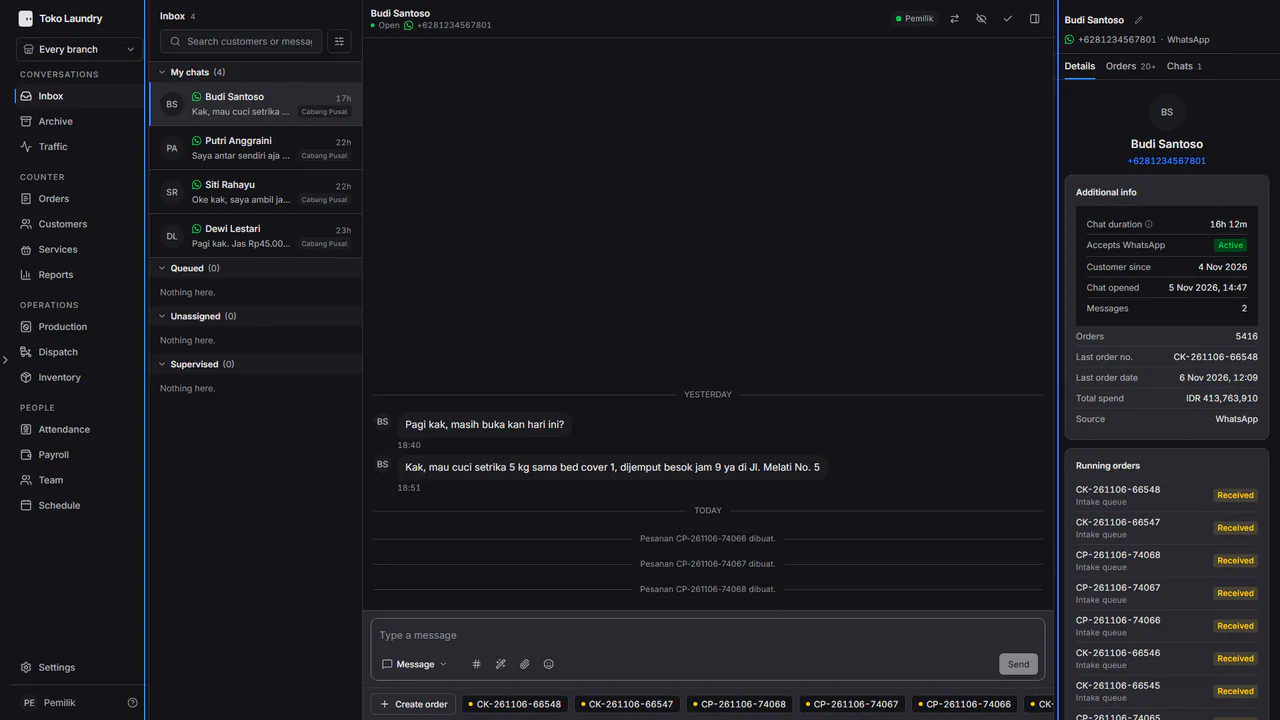
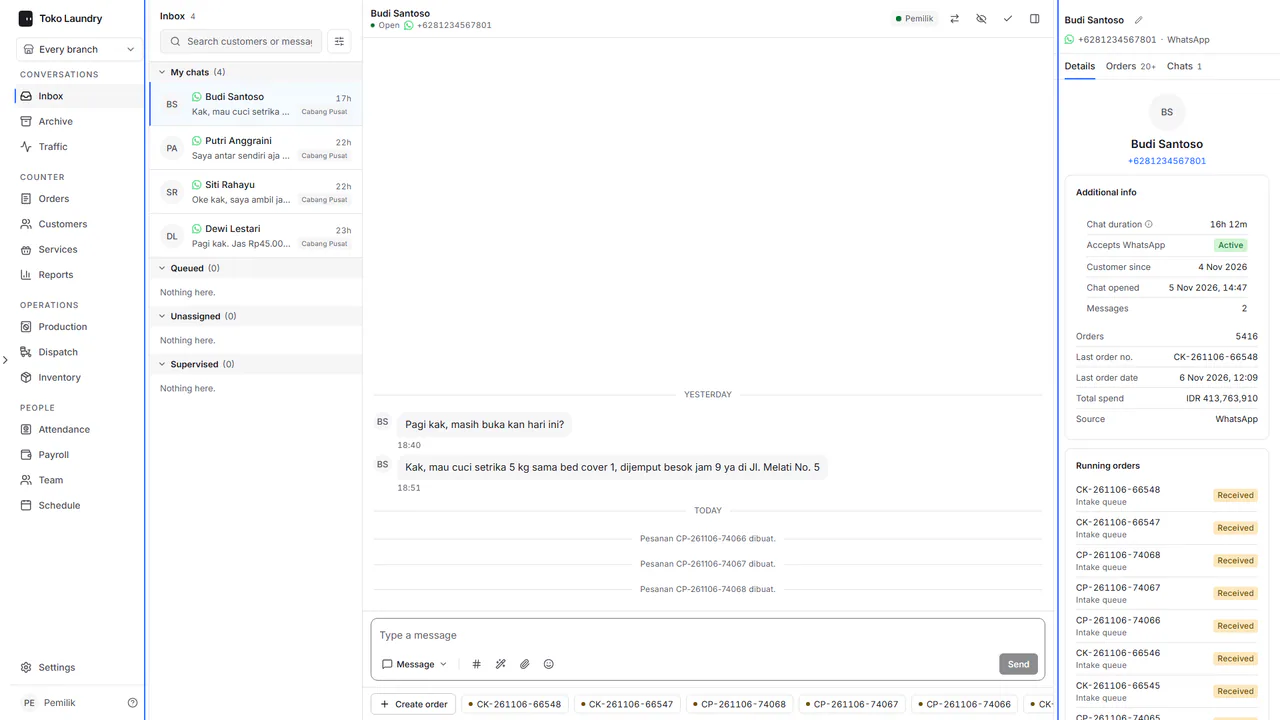
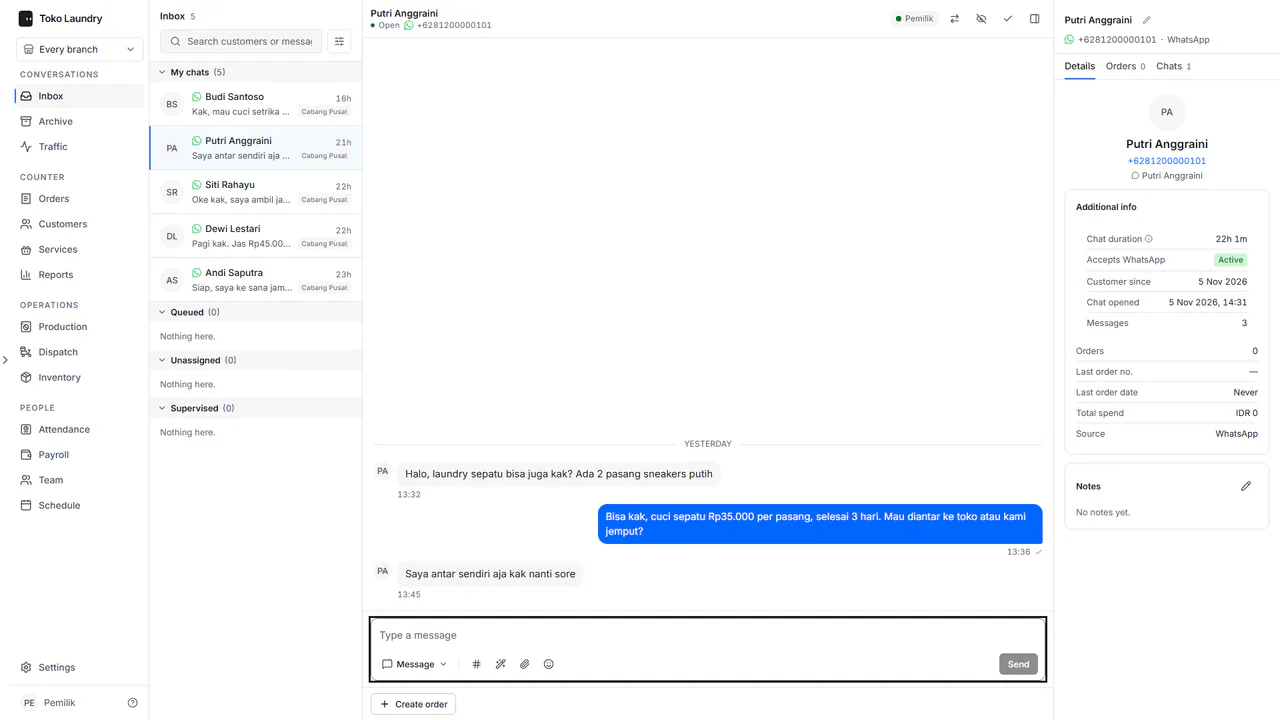
Write the reply in Type a message, then press Enter. Shift + Enter starts a new line.
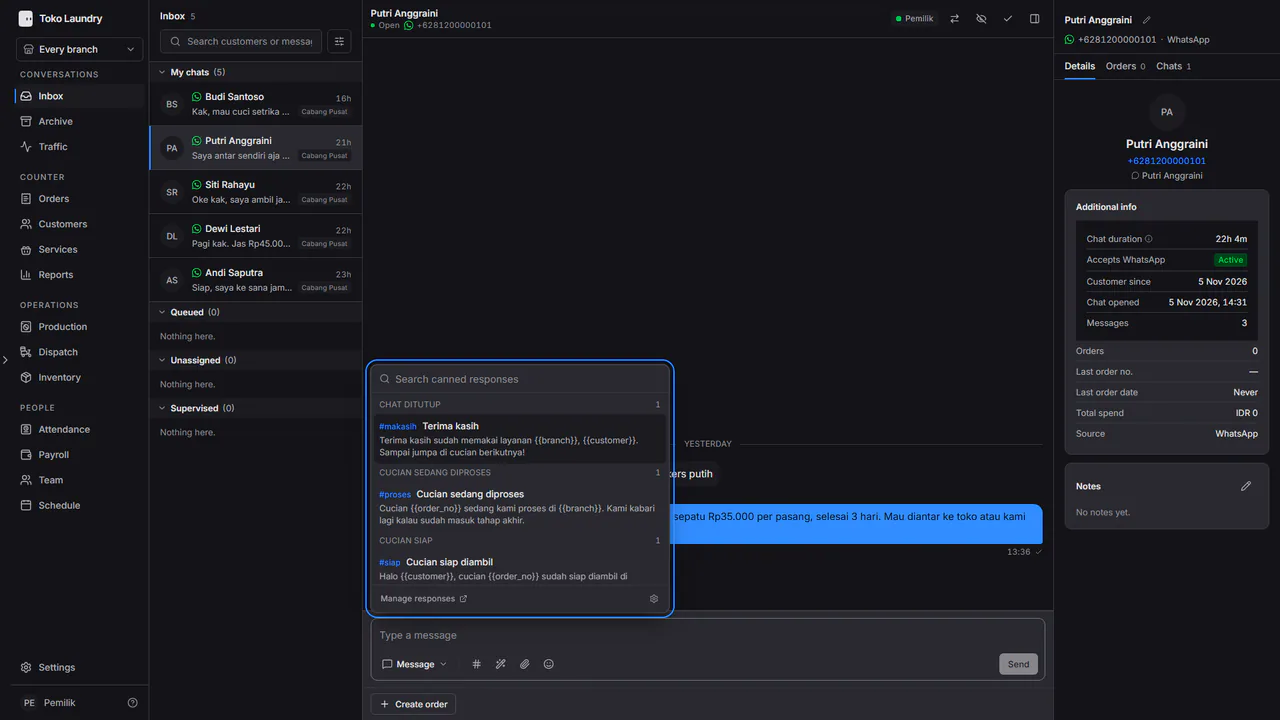
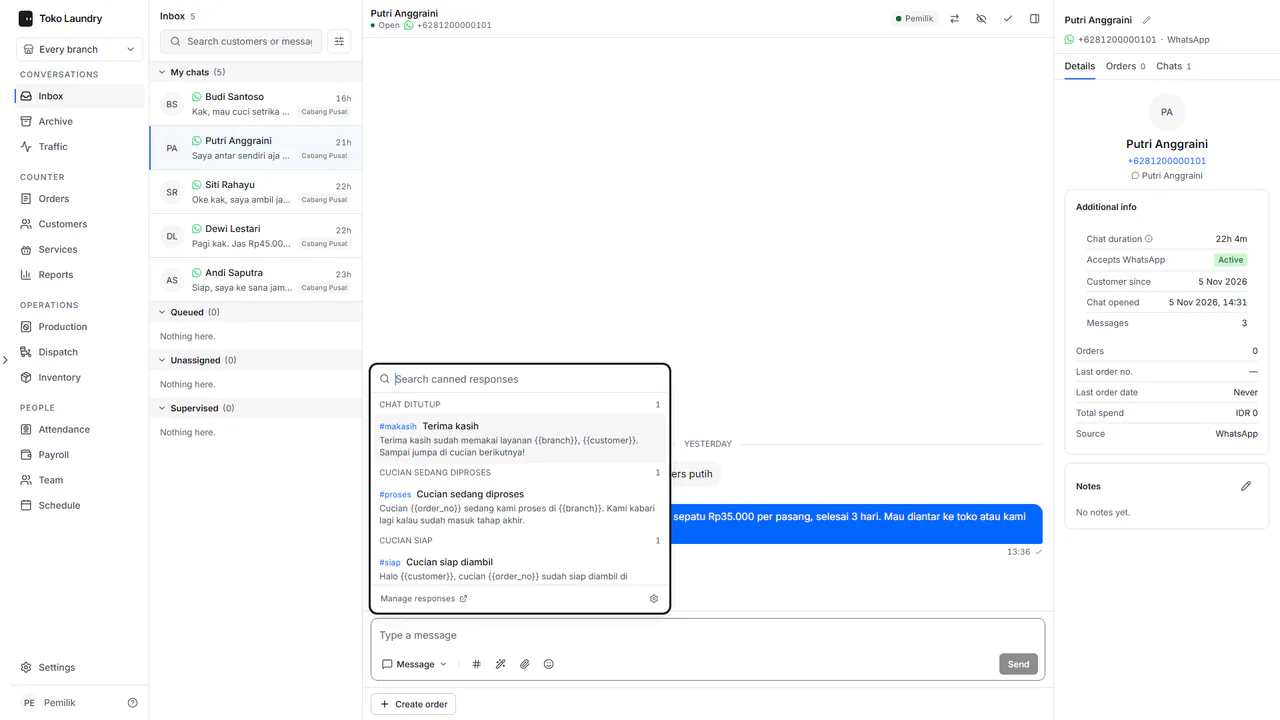
Type # to pick a canned response. The list is kept under Settings > Canned responses: see channels and canned responses.
Press Customer details in the conversation header, or p, to open the customer's details and latest orders. On a screen 1440 pixels wide or more, that panel is already open beside the chat. Create order opens New order for that customer, and the order draft fills it from the chat.
Steps to hand over a chat
To take a chat from Queued, open it and press Assign to me. Only the person handling a chat can reply.
To hand it over, press Assign to a teammate in the conversation header and pick a teammate. The chat moves to that teammate's My chats.
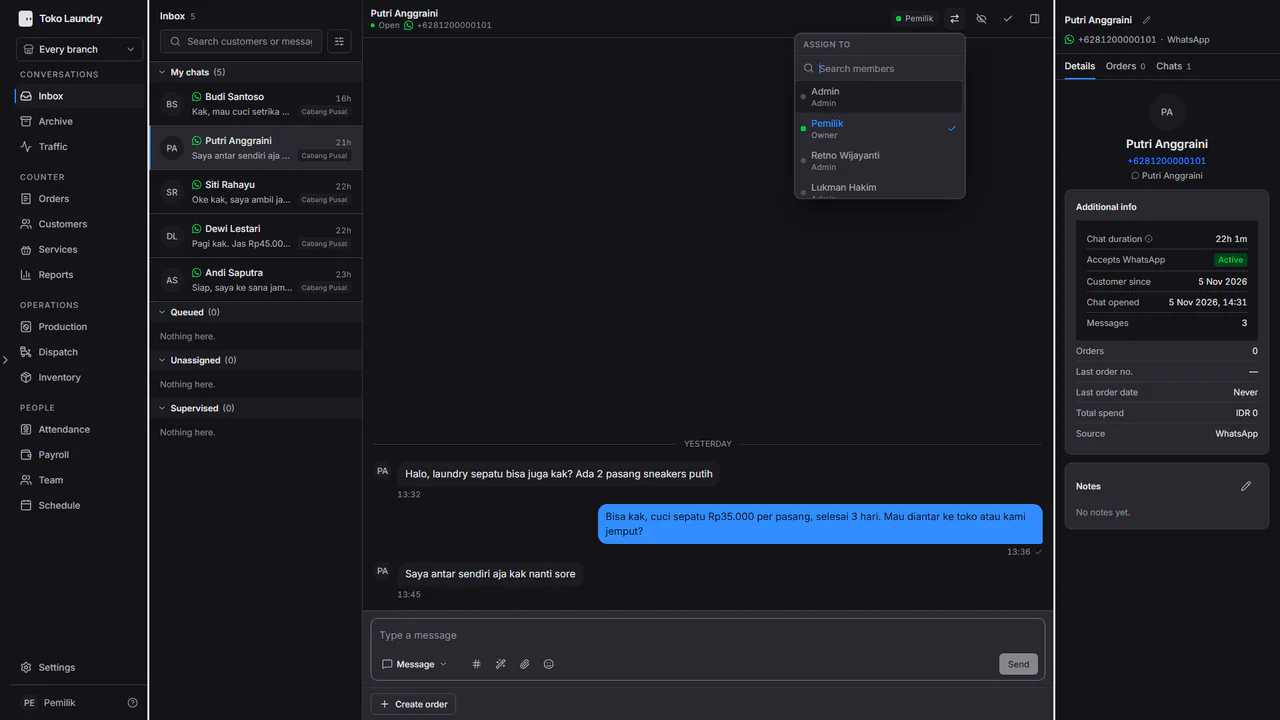
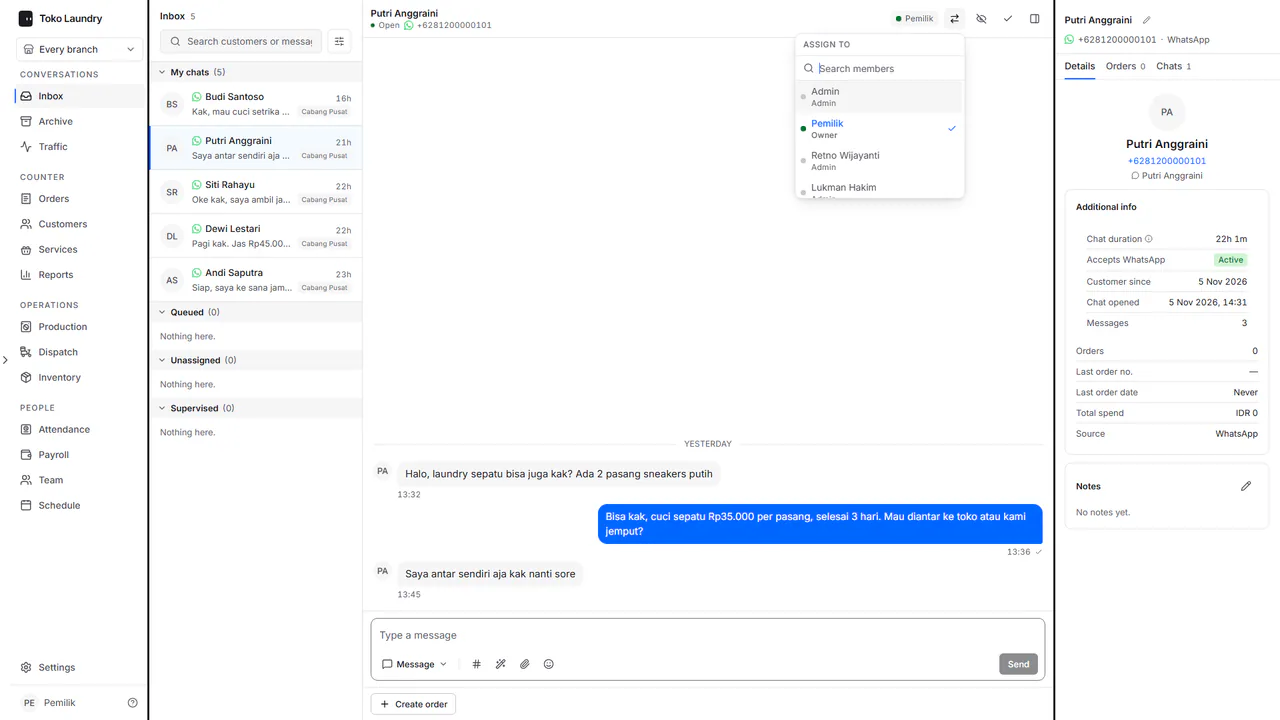
New chats are shared out automatically to active members. Admins receive them from the start; owners after turning on Receive new chats automatically in Team.
Steps to close a chat
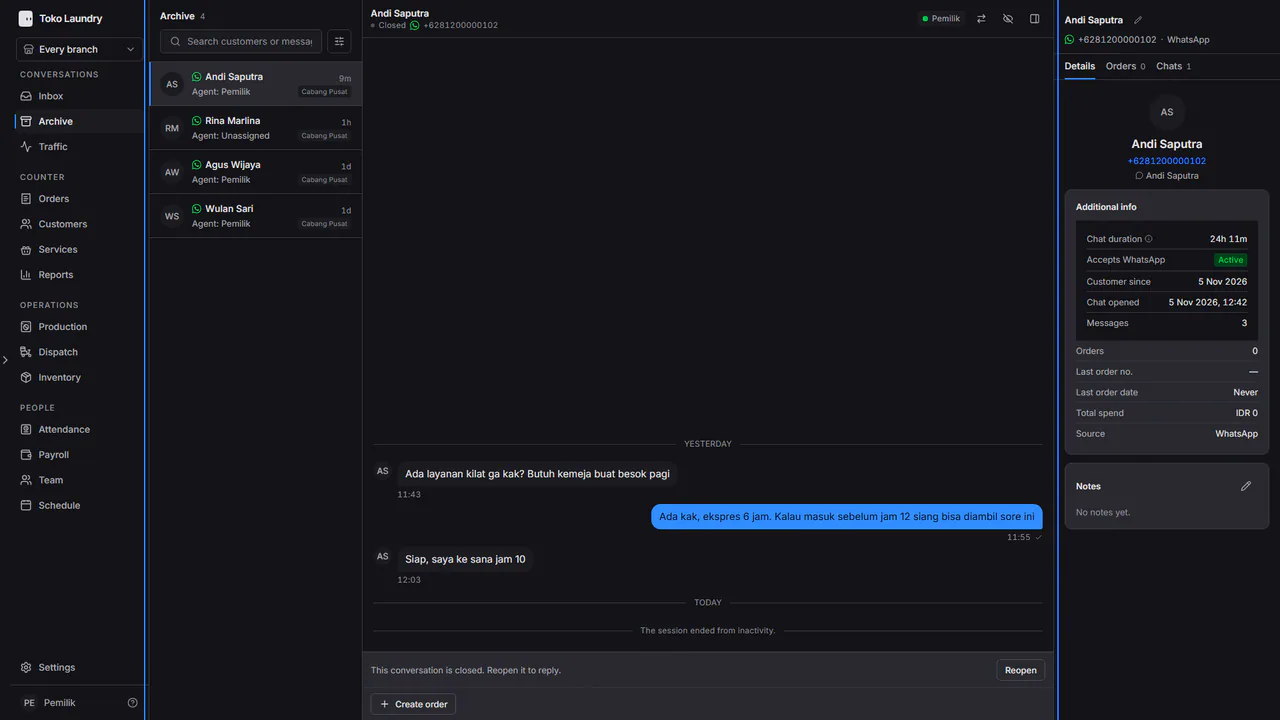
Press Close conversation in the chat header. The chat moves to the Archive.
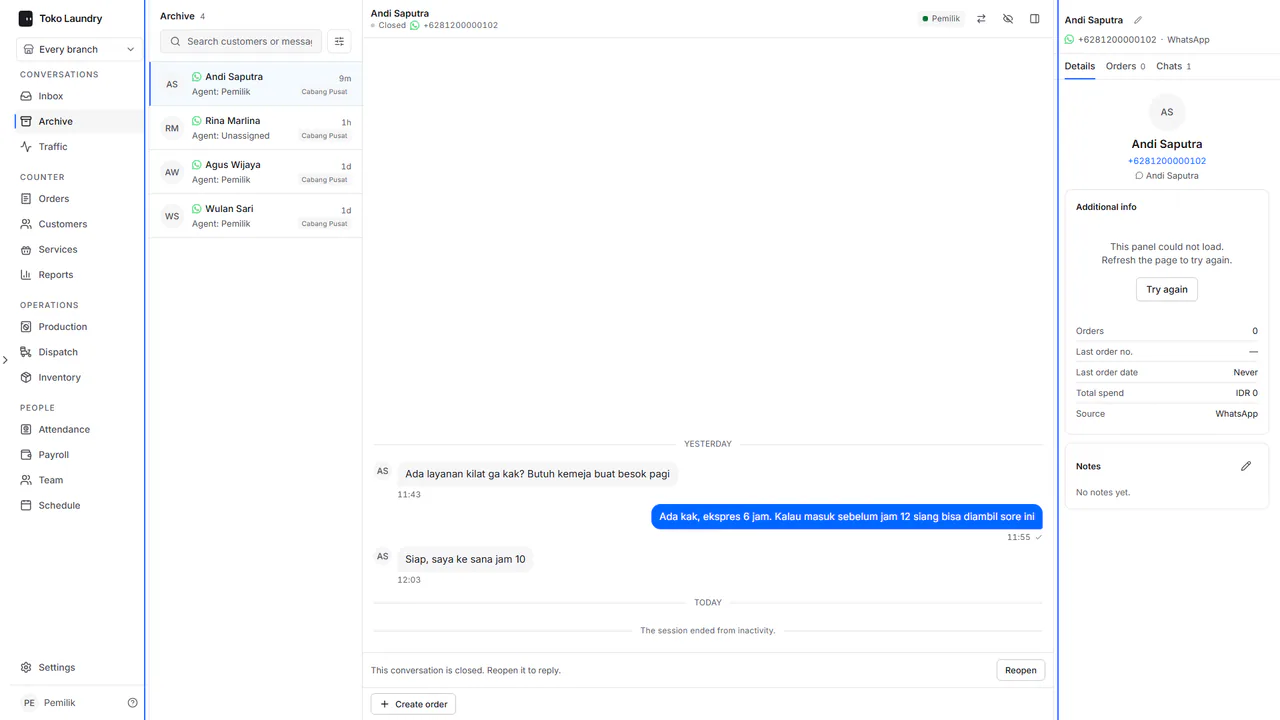
Open Archive to find closed chats, then press Reopen if needed. When the customer writes again, their chat reopens by itself.
Traffic
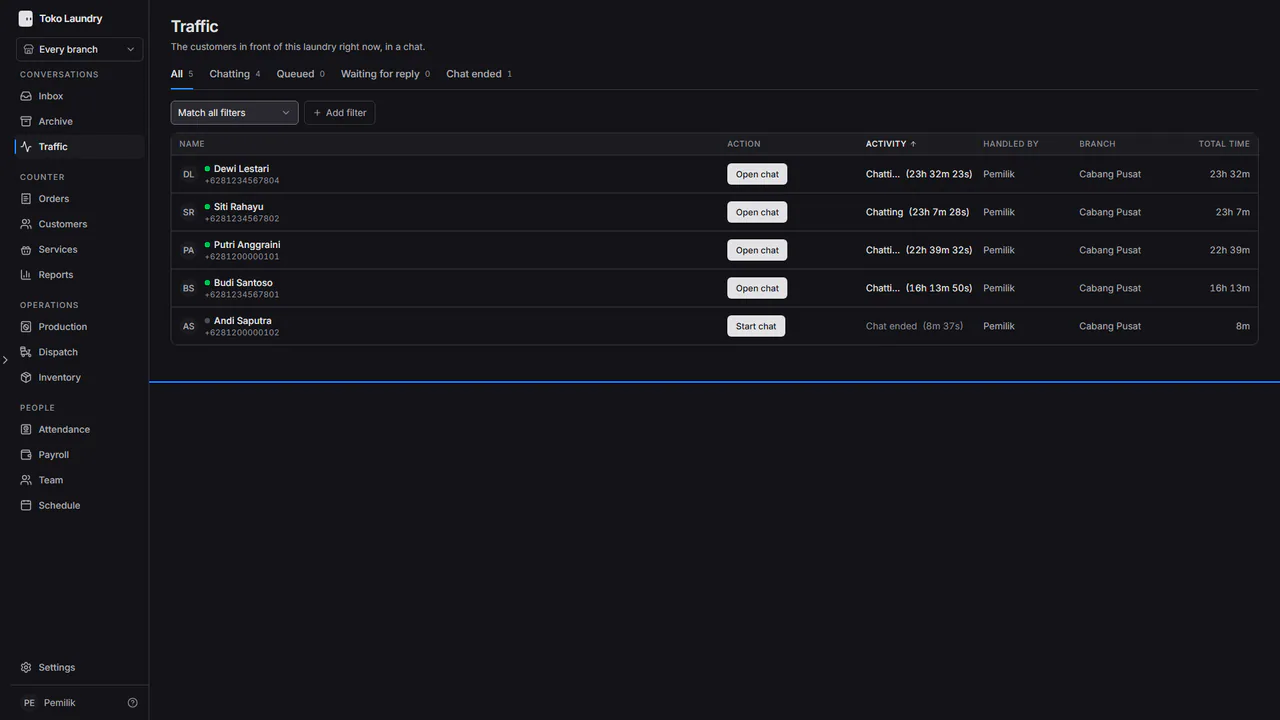
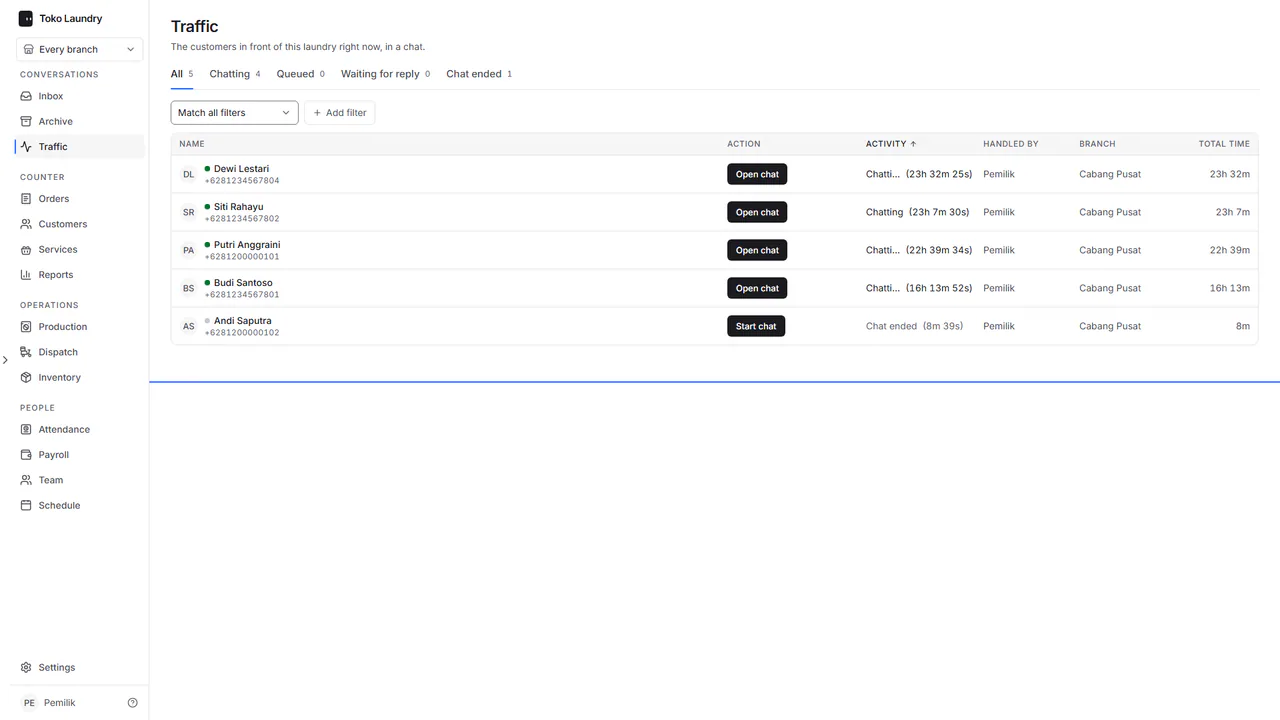
Traffic shows the customers chatting now and their activity: Queued, Waiting for reply, Chatting or Chat ended. Press Open chat, or Pick from queue to take a queued chat.