Balance and withdrawals
For: Owner
Register a bank account, withdraw the balance and find past withdrawals.
QRIS payments from customers land in one balance for the whole business, not one per branch. You withdraw it to the business's bank account from Settings > Payouts.
For owners.
Steps to turn on online payments
Open Settings > Payouts. Under Business, fill in Business name and Contact phone. Under Bank account, pick the Bank, then fill in Account holder exactly as in the bank book and Account number. The fees are listed beside the form.
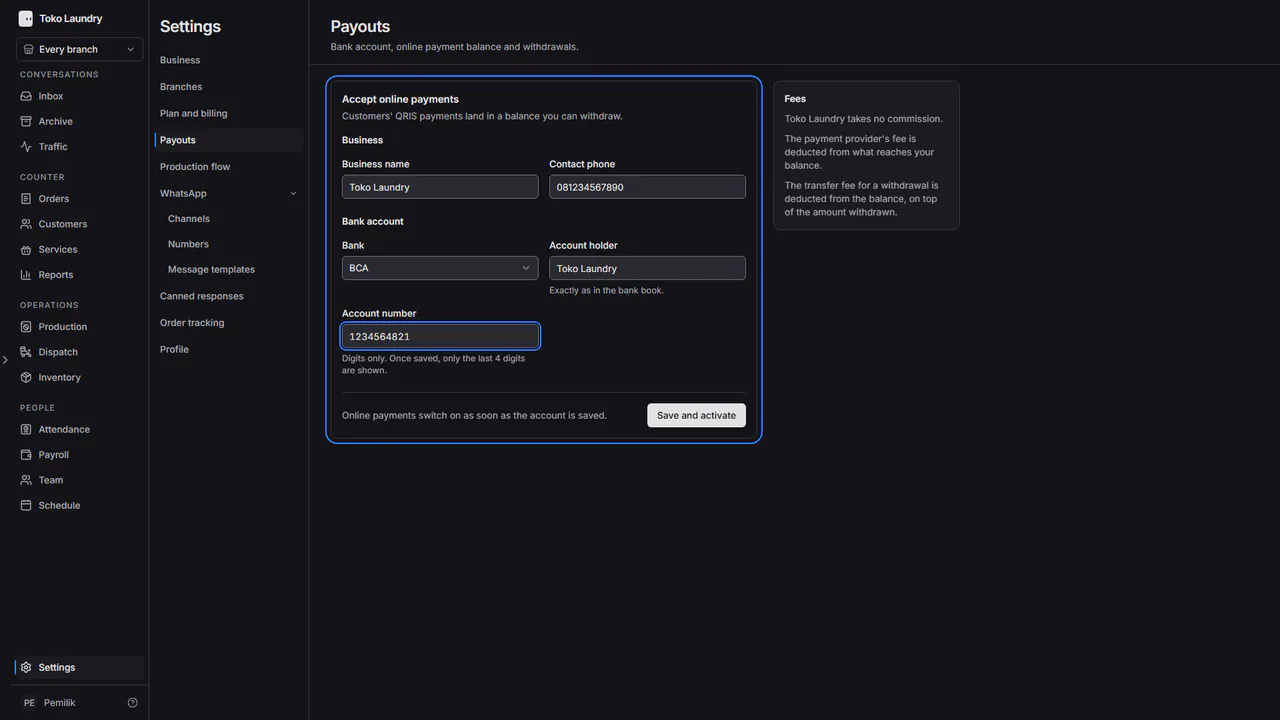
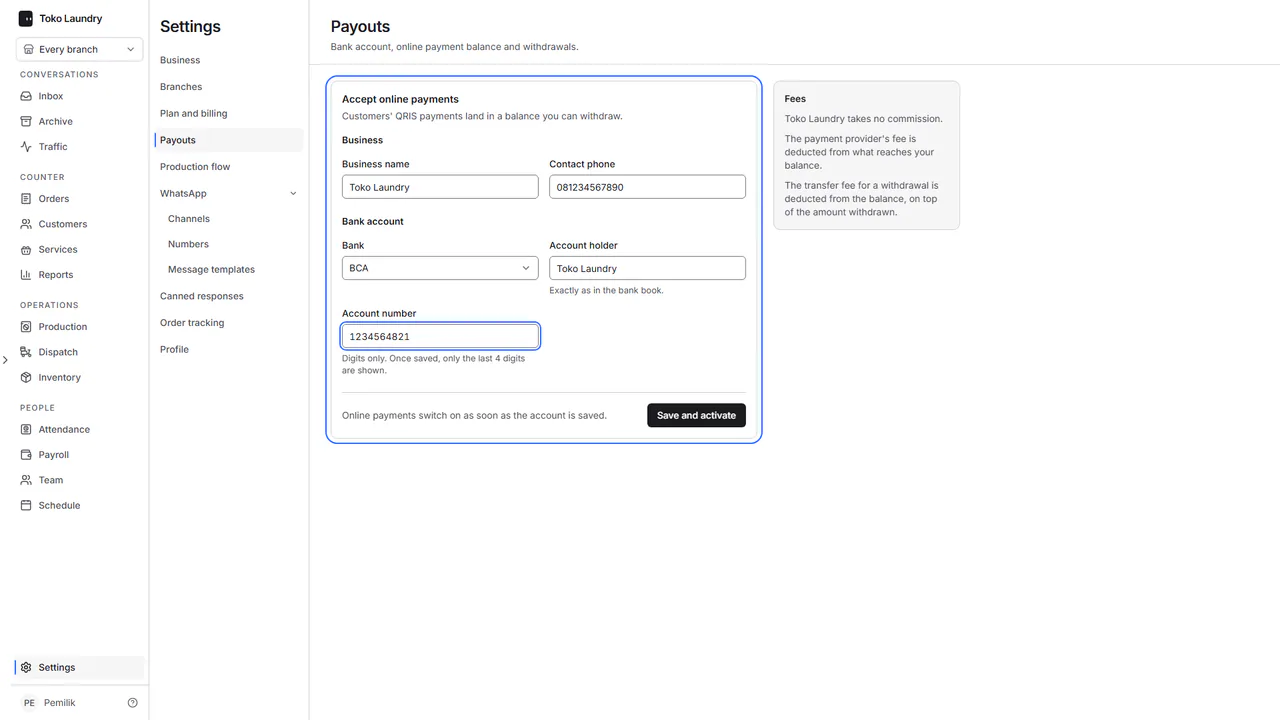
Press Save and activate. Online payments switch on as soon as the account is saved, with no review to wait for. The balance and withdrawals appear once the payment account is set up.
Steps to withdraw the balance
Read the balance at the top: Available, Pending and On hold, next to Withdraw and Bank account.
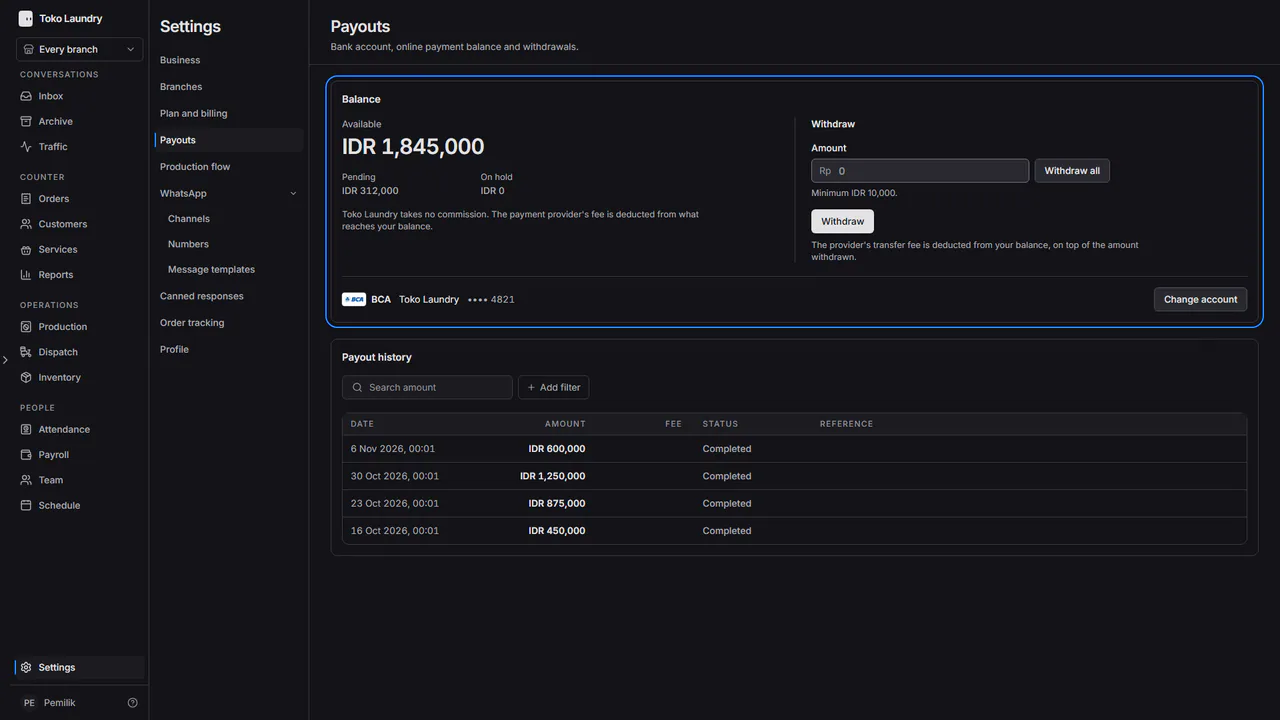
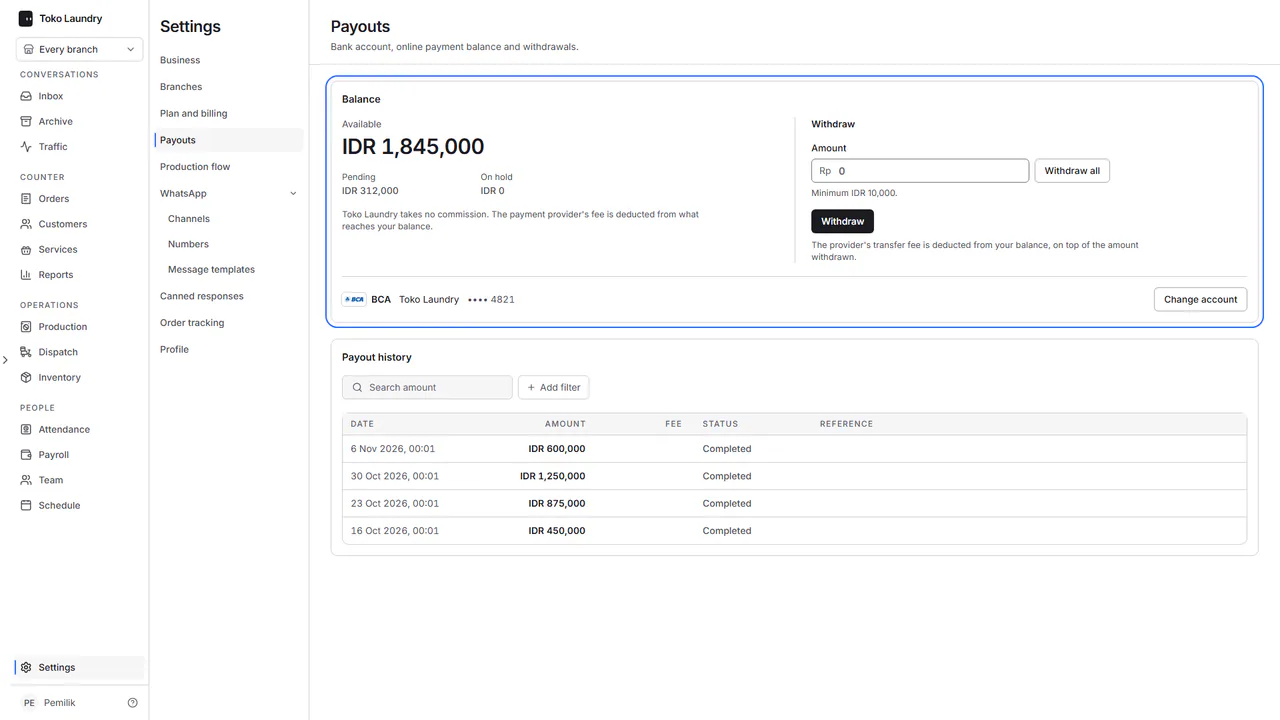
Fill in Amount, or press Withdraw all, then press Withdraw. The minimum is Rp10.000. The new withdrawal appears first in Payout history.
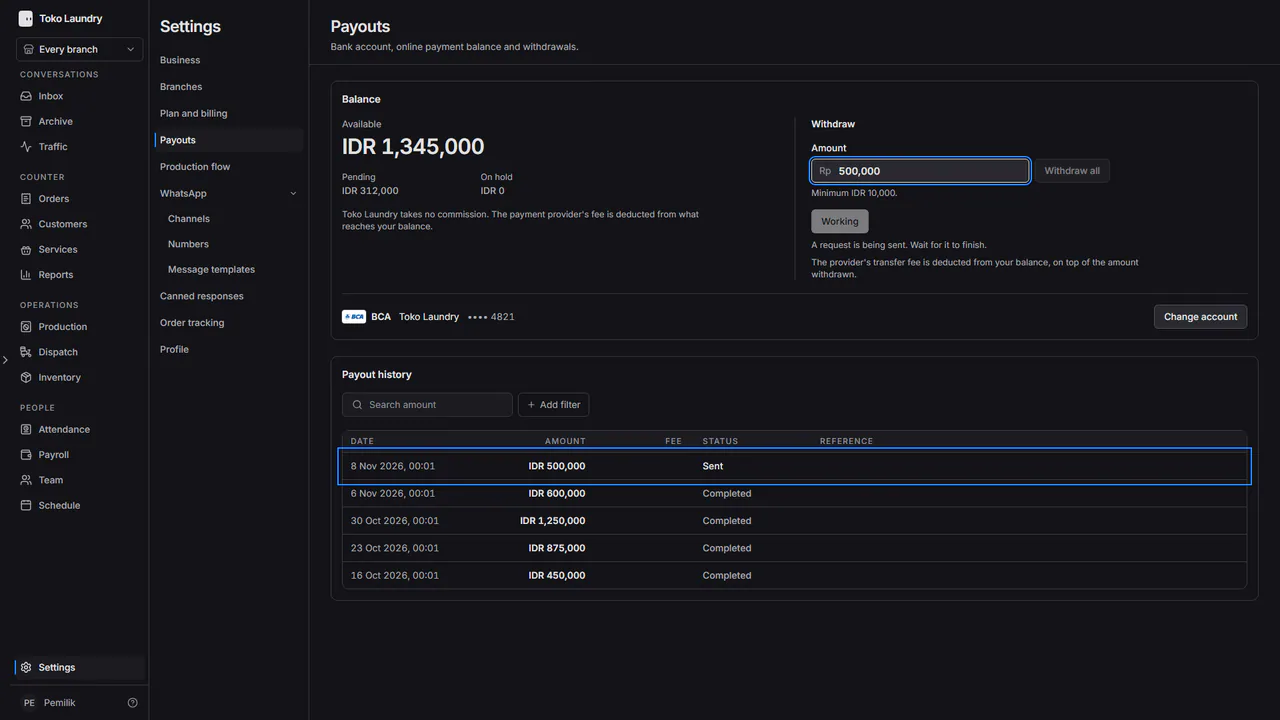
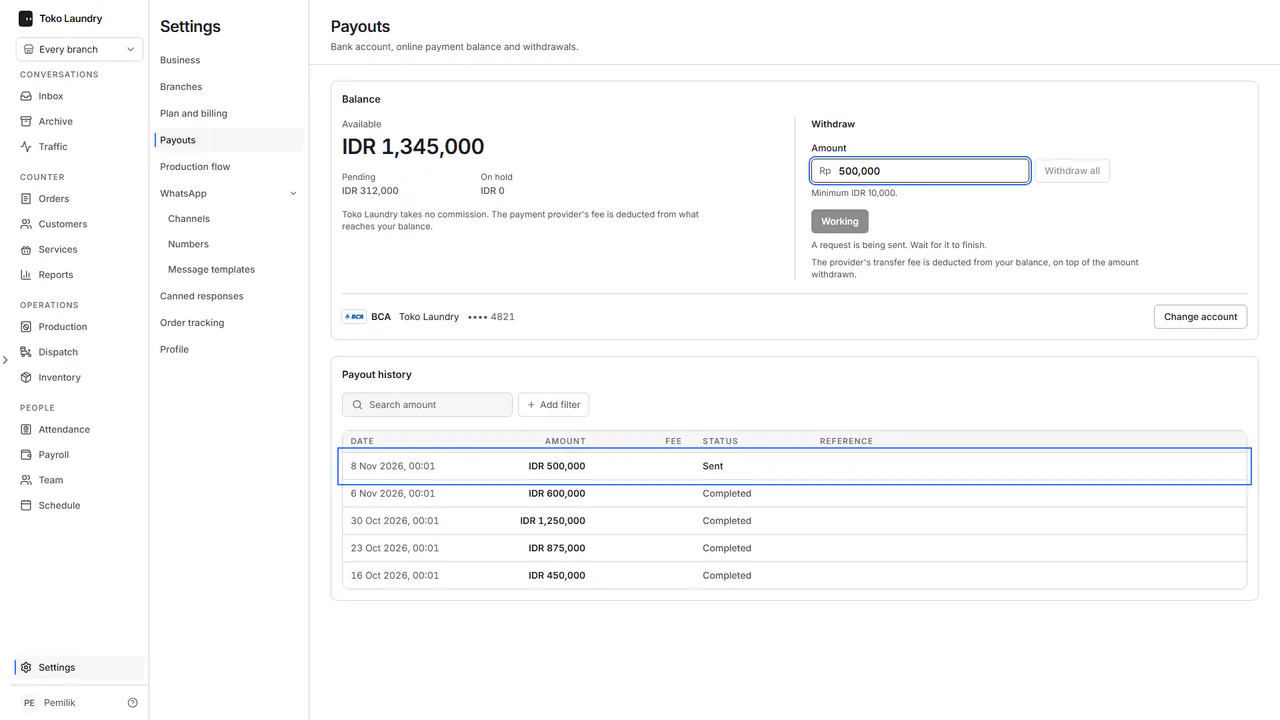
The transfer fee comes out of the balance, on top of the amount withdrawn. A withdrawal that fails or is rejected returns the whole balance, fee included.
Steps to find a withdrawal
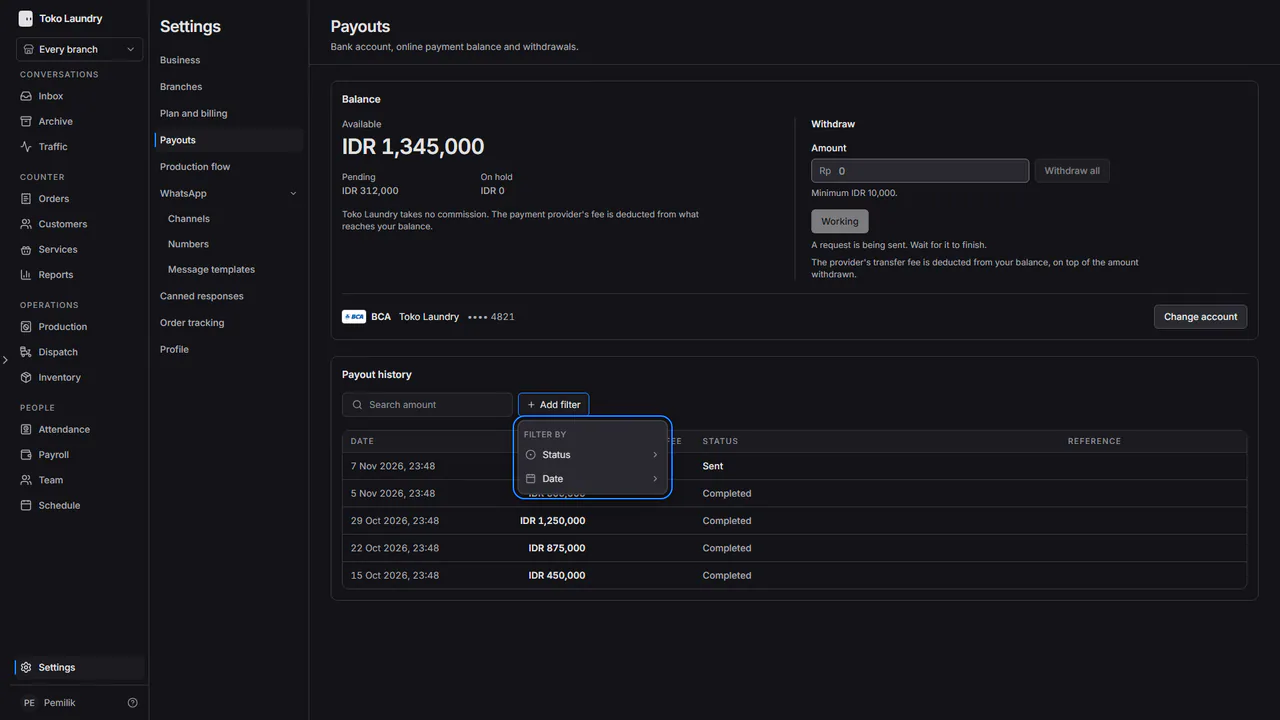
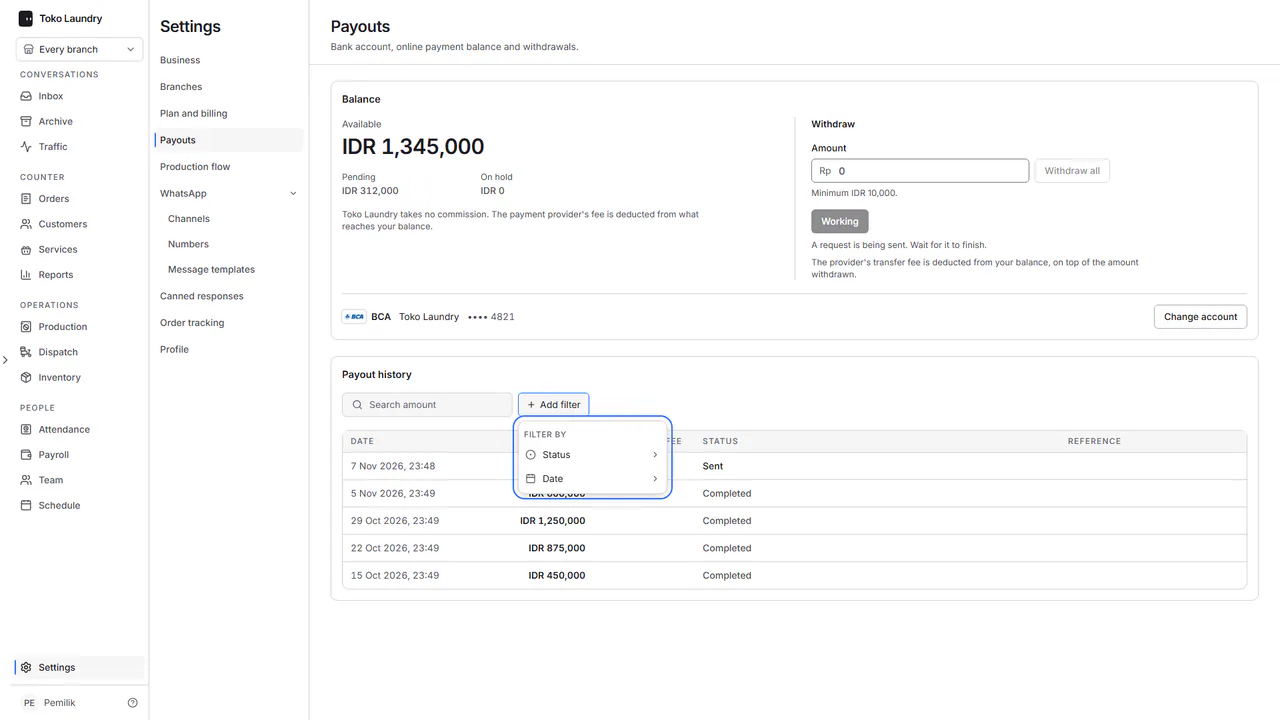
In Payout history, type an amount in the search box.
Press Add filter, then pick Status (Processing, Completed or Failed) or Date. Active filters show as chips; press × to remove one.
Steps to change the bank account
In Bank account, press Change account, then prove it is you with Password or Sign in again with Biwara.
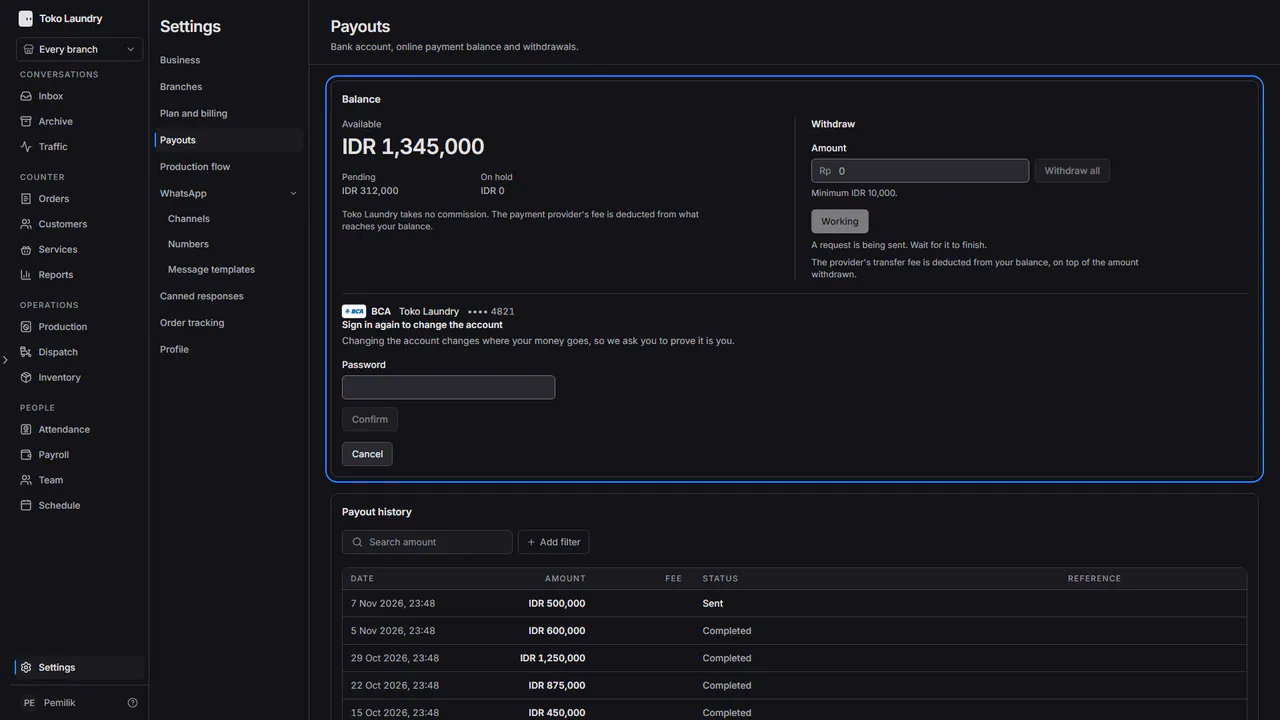
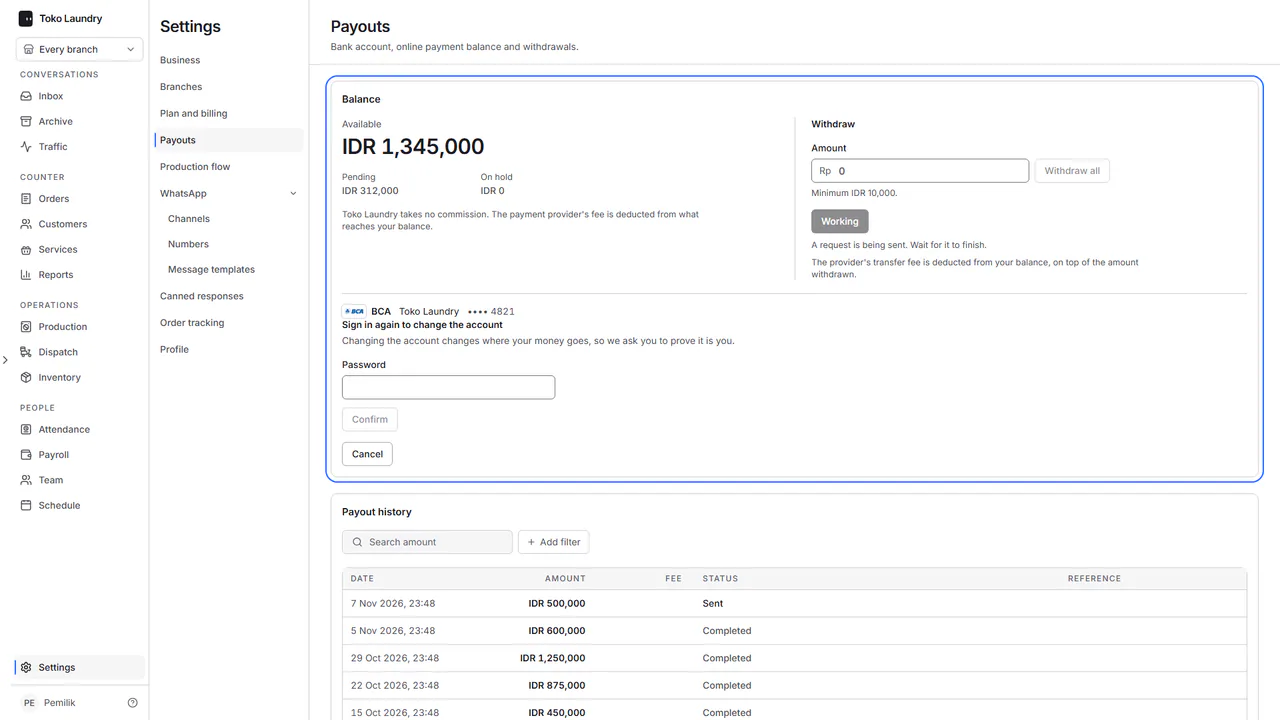
Fill in the new account, then press Save new account. Withdrawals are held for 24 hours after the account changes.
Money that could not be matched to an order is listed under Money that matched no order. A business that still holds a balance cannot be deleted.