Production guide
For: Production
Move laundry between stages, weigh online orders and put laundry on the rack.
Production staff move laundry from stage to stage on the floor screen, and weigh online orders before their bill goes out. This screen takes no money.
For production staff. After signing in, you land on the Production floor screen.
Steps to move laundry
Pick the Intake, Working or Ready tab. To search, type a receipt number, customer name or rack slot.
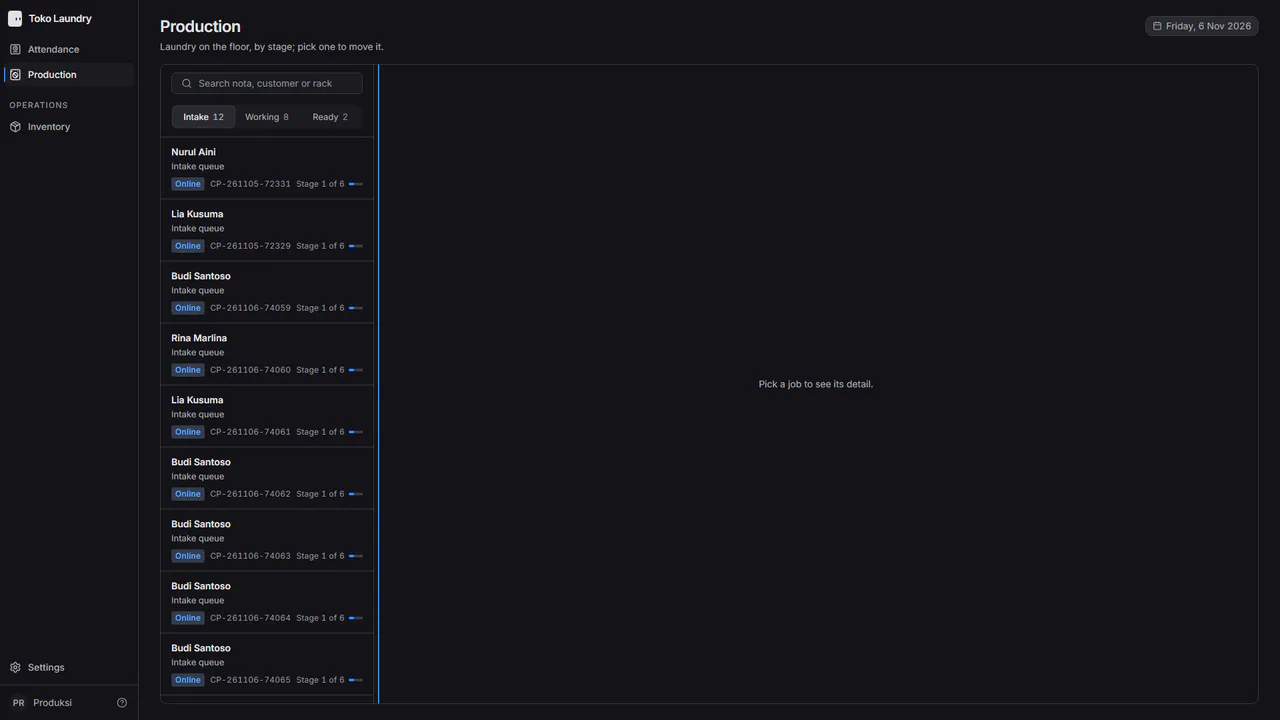
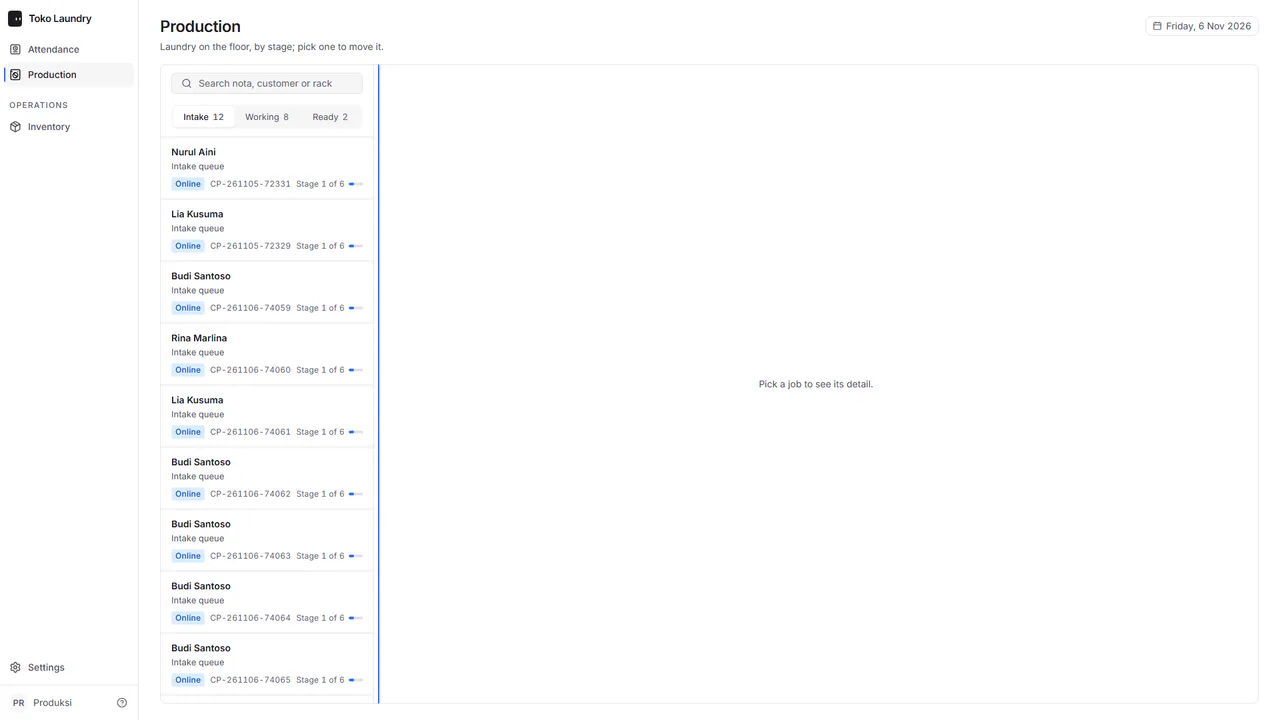
Pick one job. The right panel shows the customer, the current stage, how long it has been there, the rack, the contents and its history.
Press the next-stage button, such as Move to Washing. Back to undoes a wrong press.
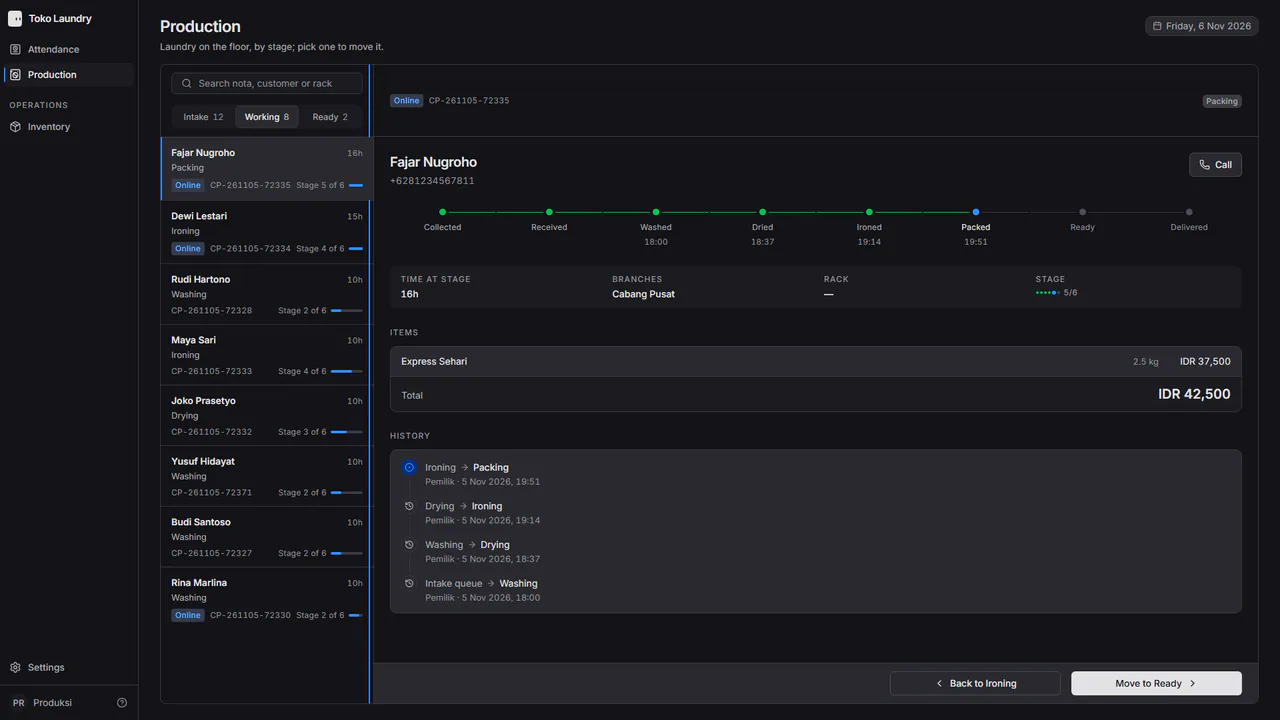
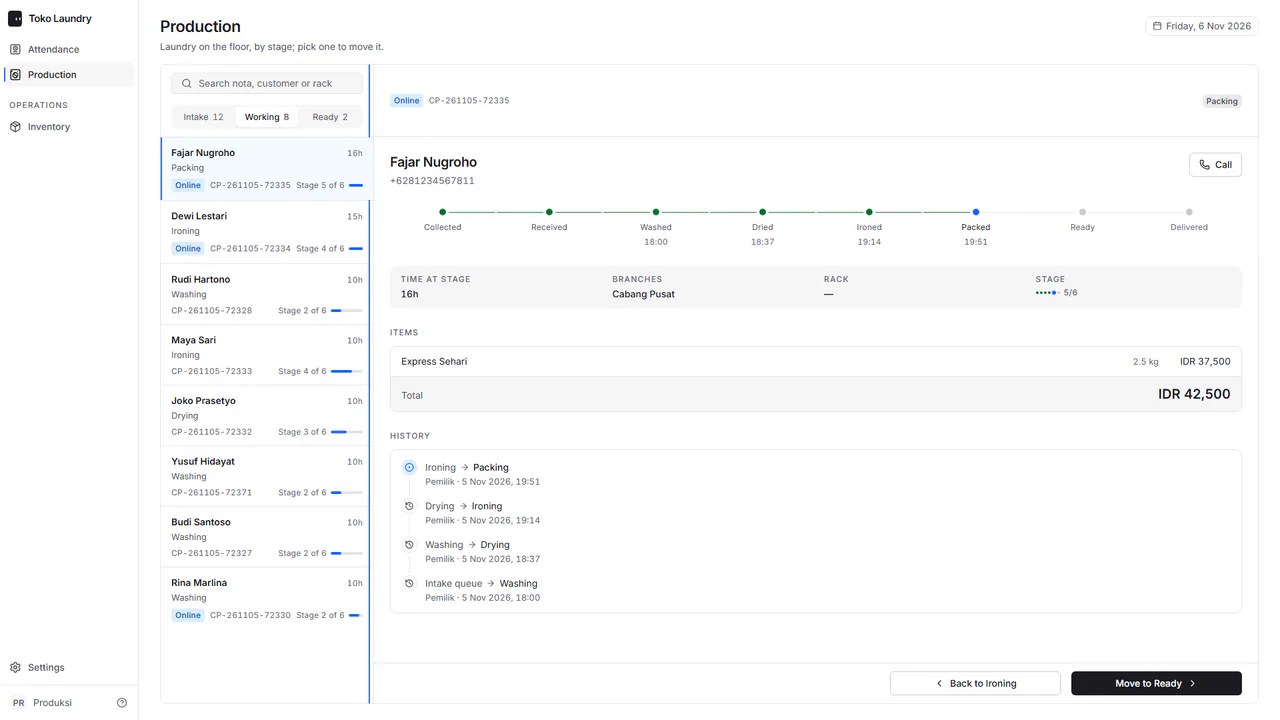
When laundry moves to Ready, fill in the Rack slot, such as A-12, then press Save the rack, or Skip.
An order not yet paid cannot move: its panel says the order is waiting for payment, with no next-stage button. Scanning the QR code on a printed receipt opens the same panel.
Steps to weigh an online order
Pick the online order in Intake. Fill in the quantity of each service in the weigh table. Prices come from the branch's price list.
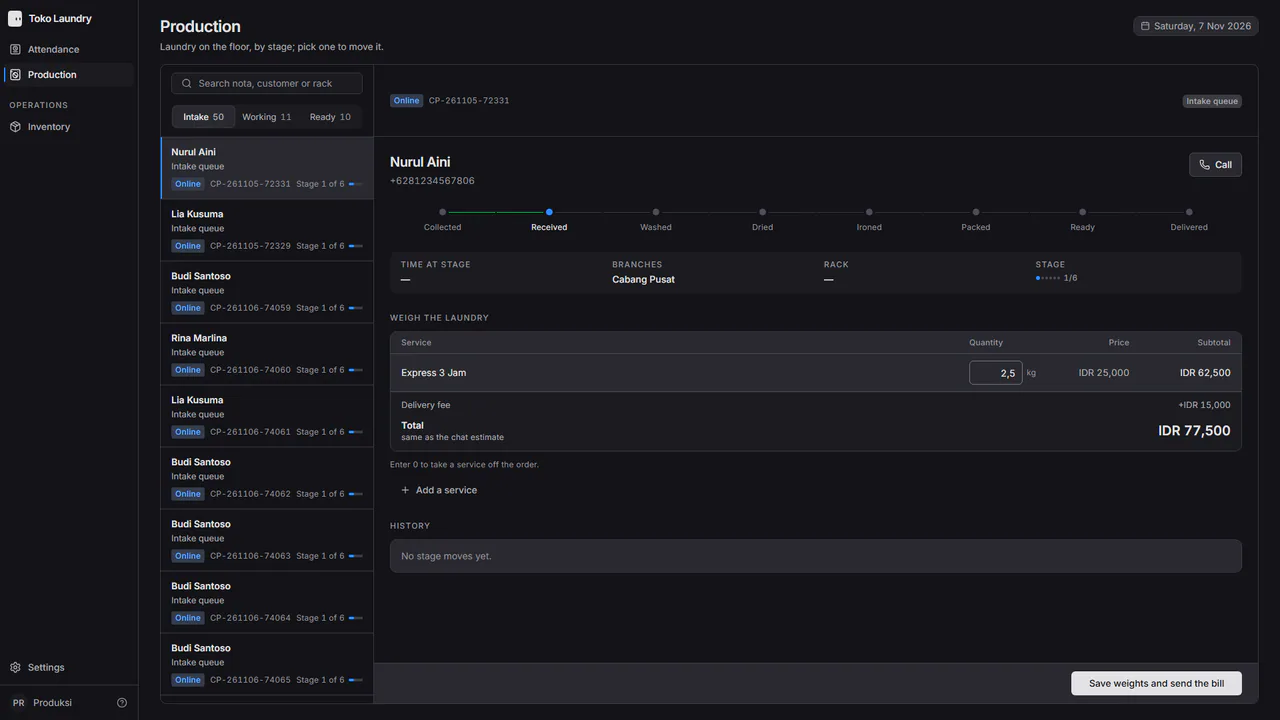
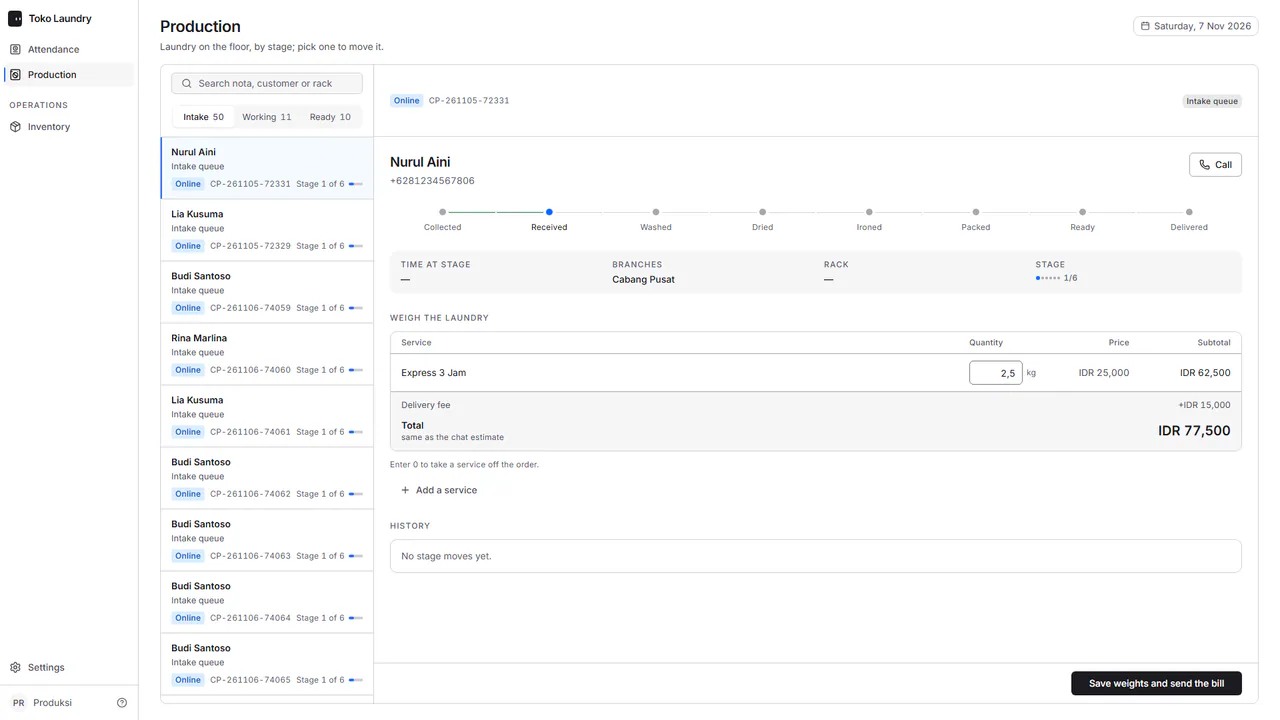
Press Save weights and send the bill. The customer gets a QRIS bill on WhatsApp, and the laundry can enter a work stage once it is paid. See customers paying online.
Production staff also manage stock and clock in under attendance. The full board is in production.