Admin guide
For: Admin
Running the business day to day: team, branches, services, reports, chat and approvals.
The admin runs the business on the owner's behalf: team, branches, services, reports, chat and approvals. Admins also create orders and take payment like a cashier.
For admins. After signing in, you land on the Inbox and receive chats that are shared out automatically.
Steps to manage the team
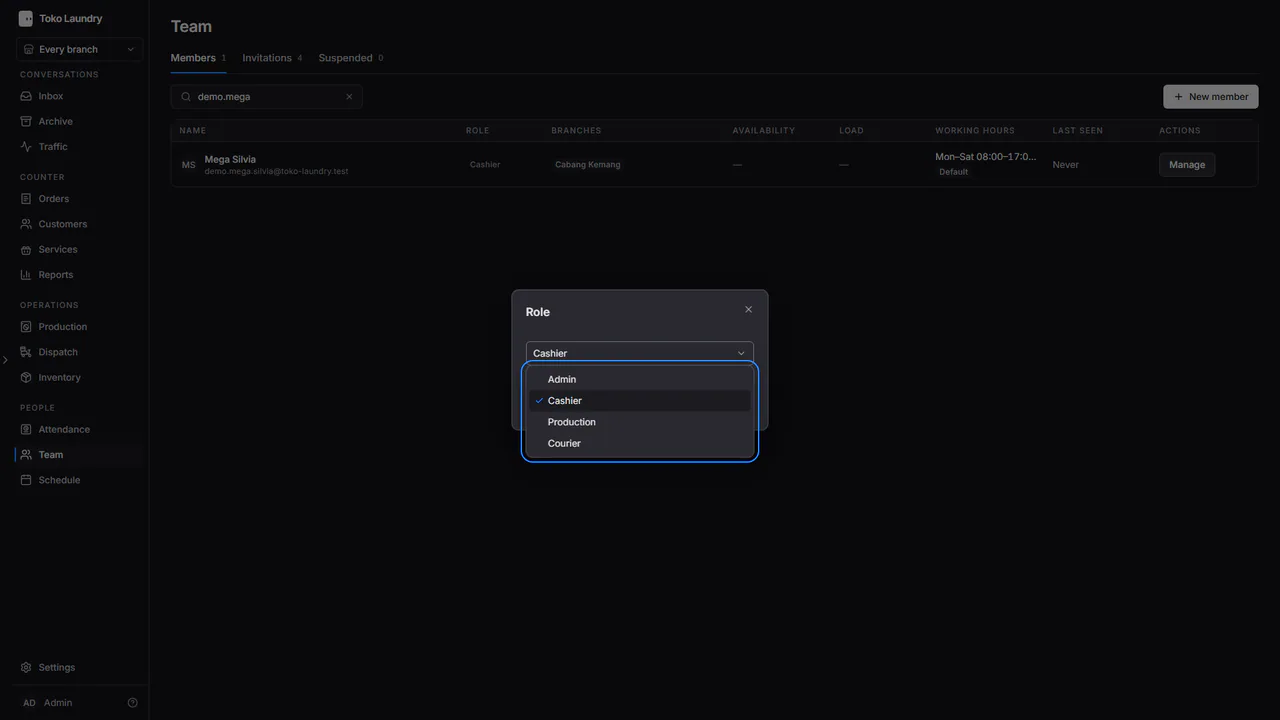
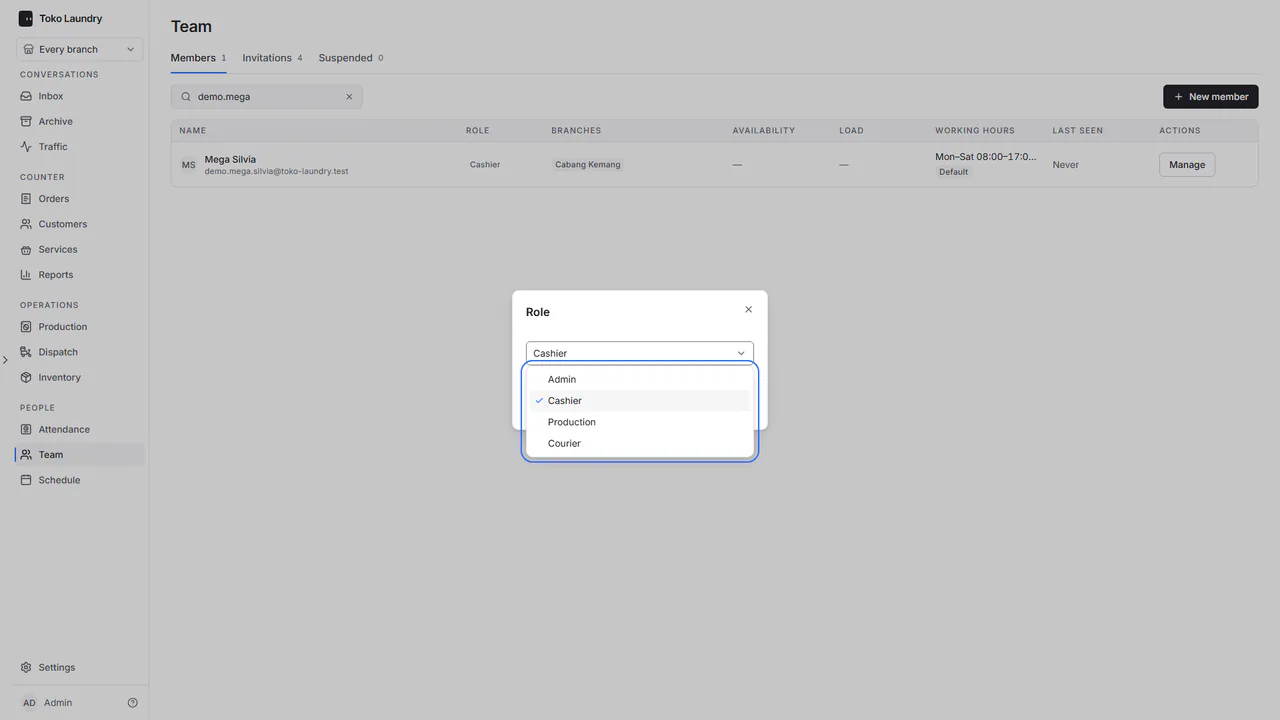
Open Team. Press New member, or Manage on someone's row to change their role, branch and working hours.
In Role, an admin has no Owner choice, and an owner's row cannot be changed. See branches and team.
Steps to manage services and production
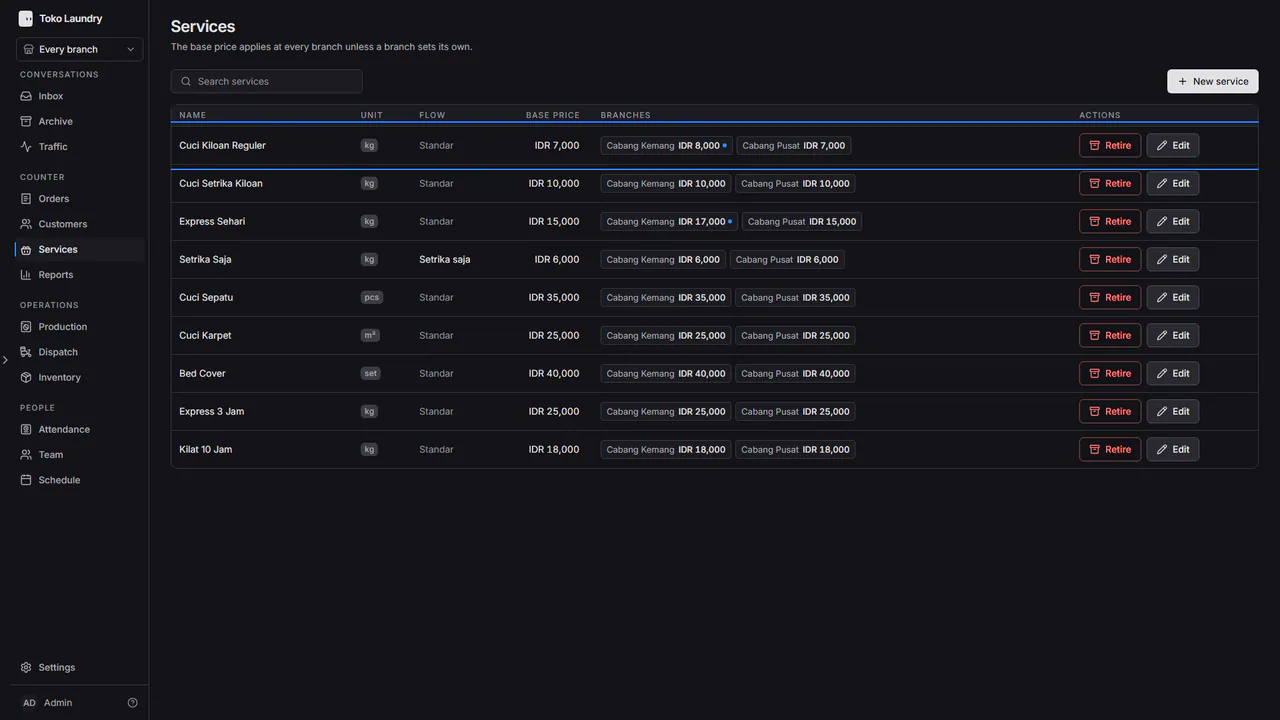
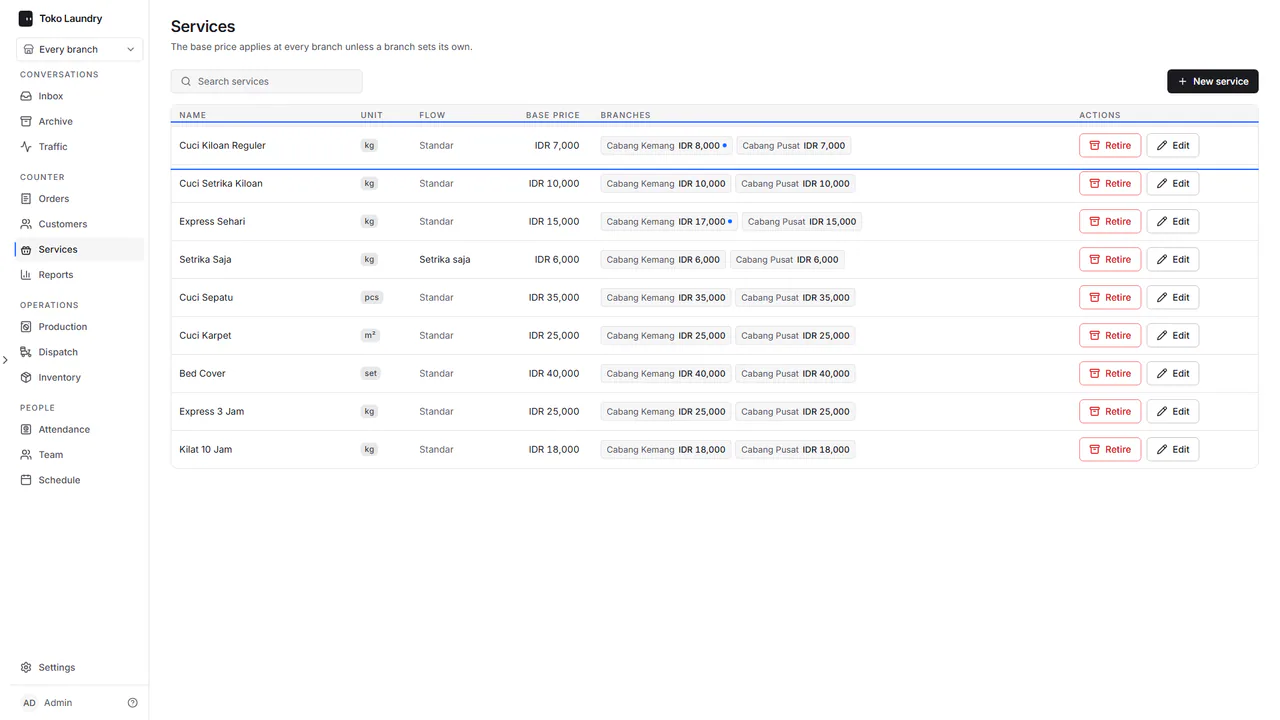
Open Services to add a service with New service or change a price with Edit.
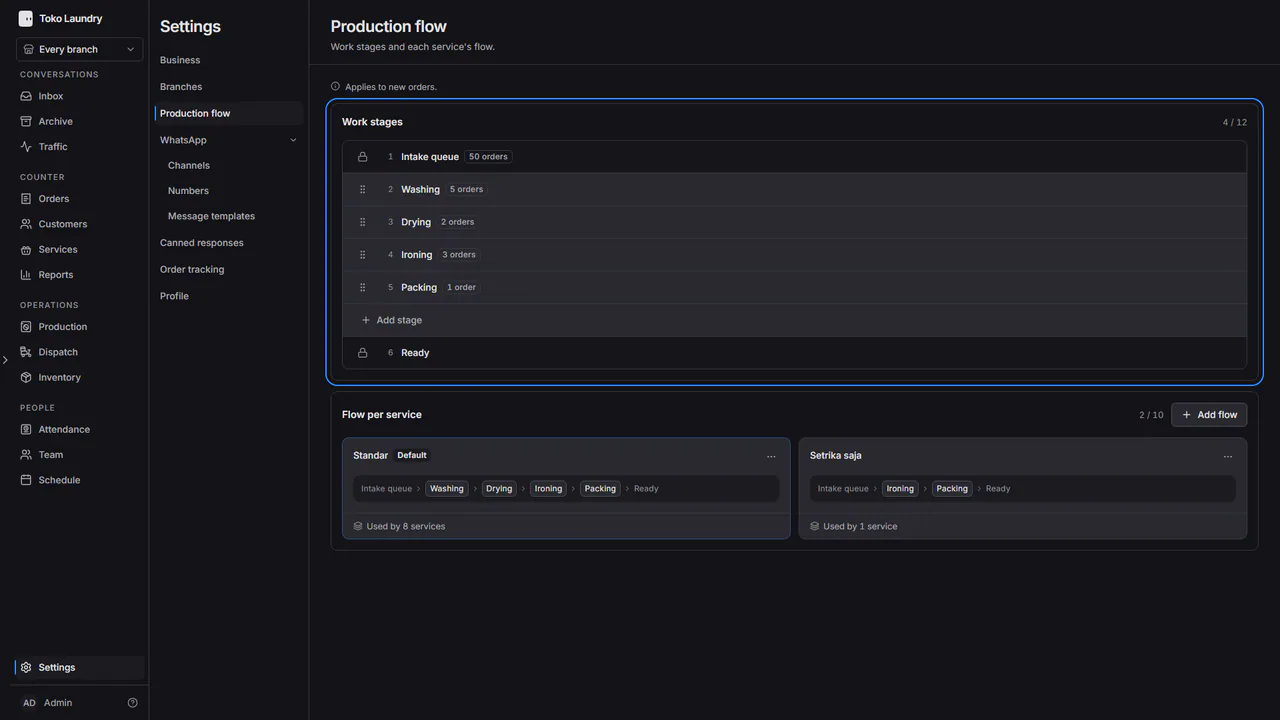
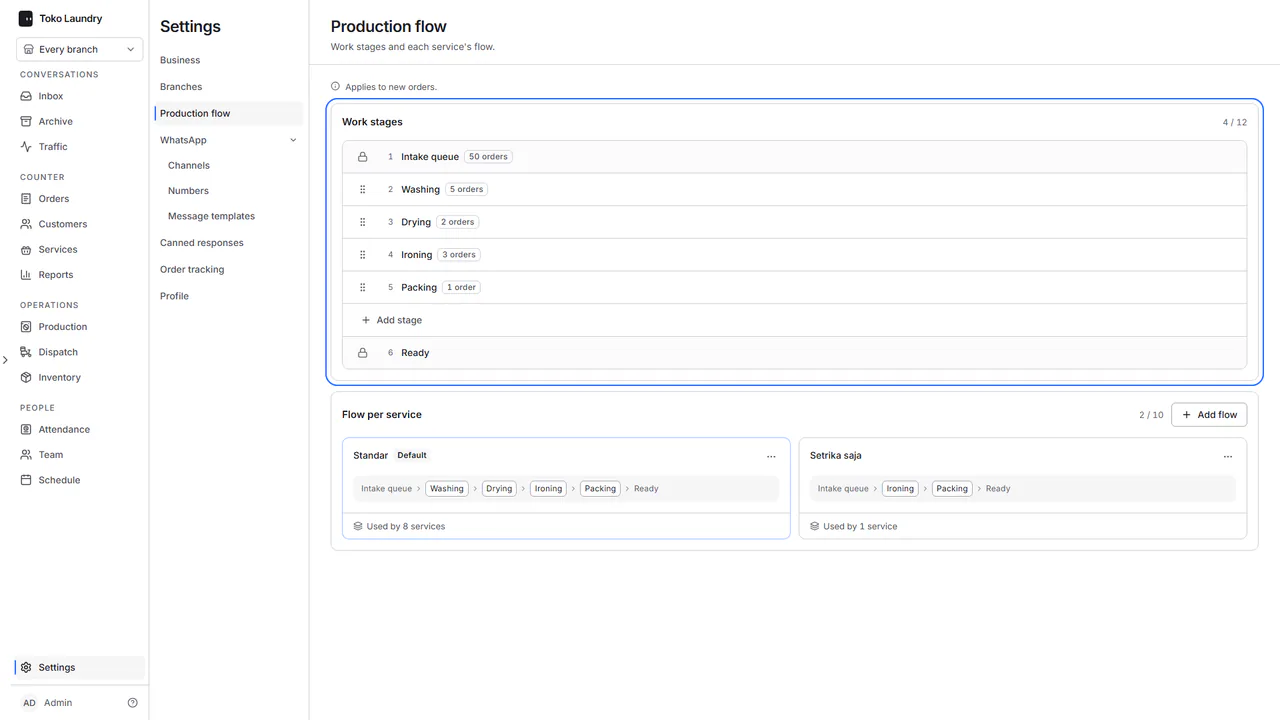
Open Settings > Production flow to set the work stages. See production.
Steps to read reports and approve
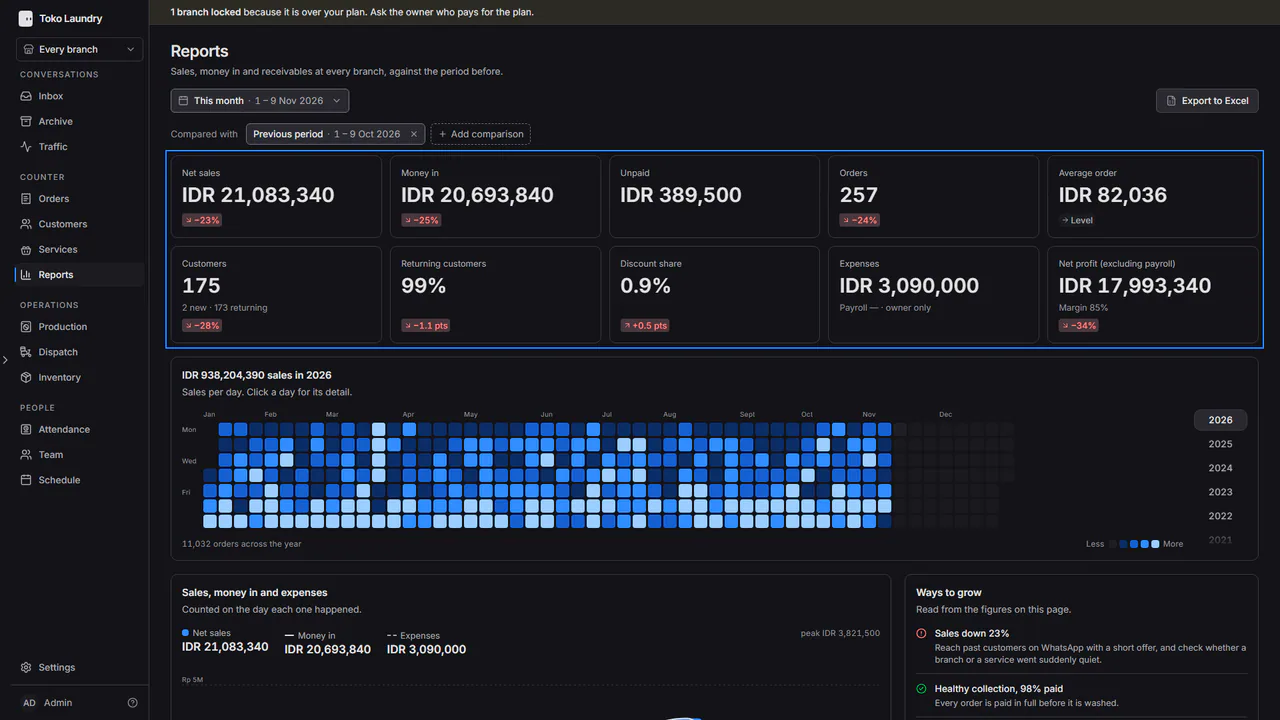
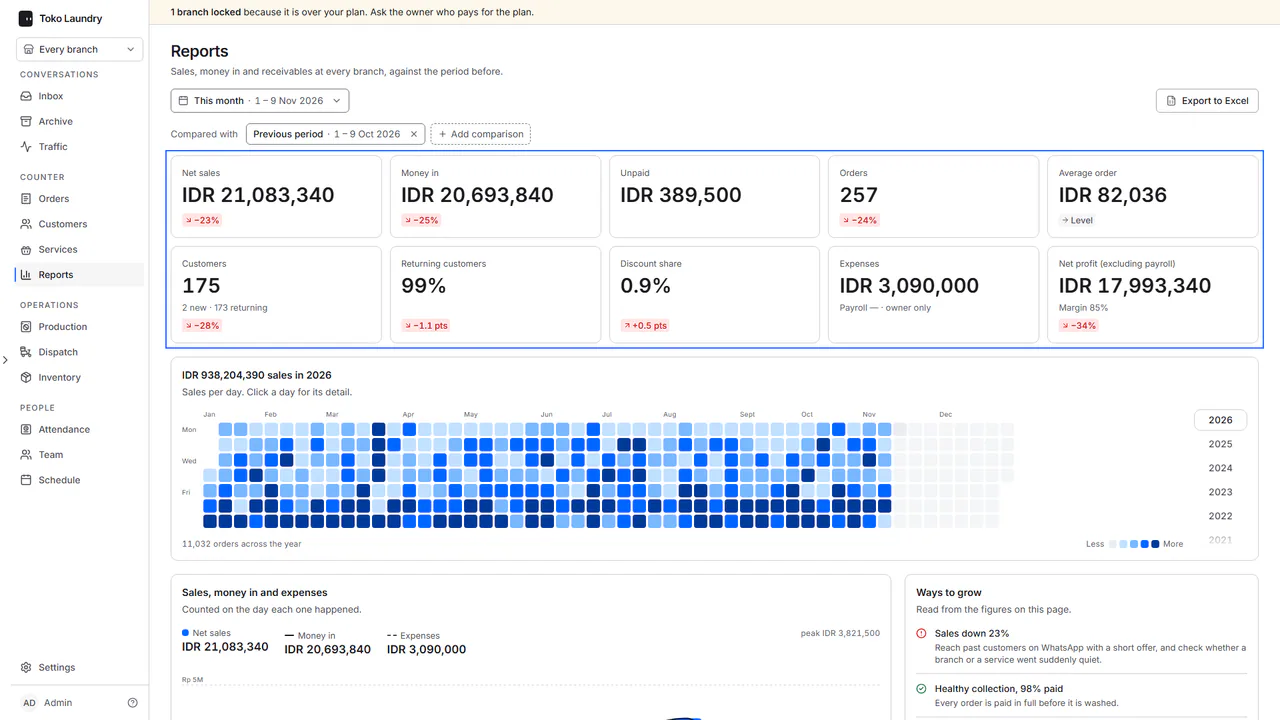
Open Reports. Payroll is left out, so profit reads Net profit (excluding payroll). See reports.
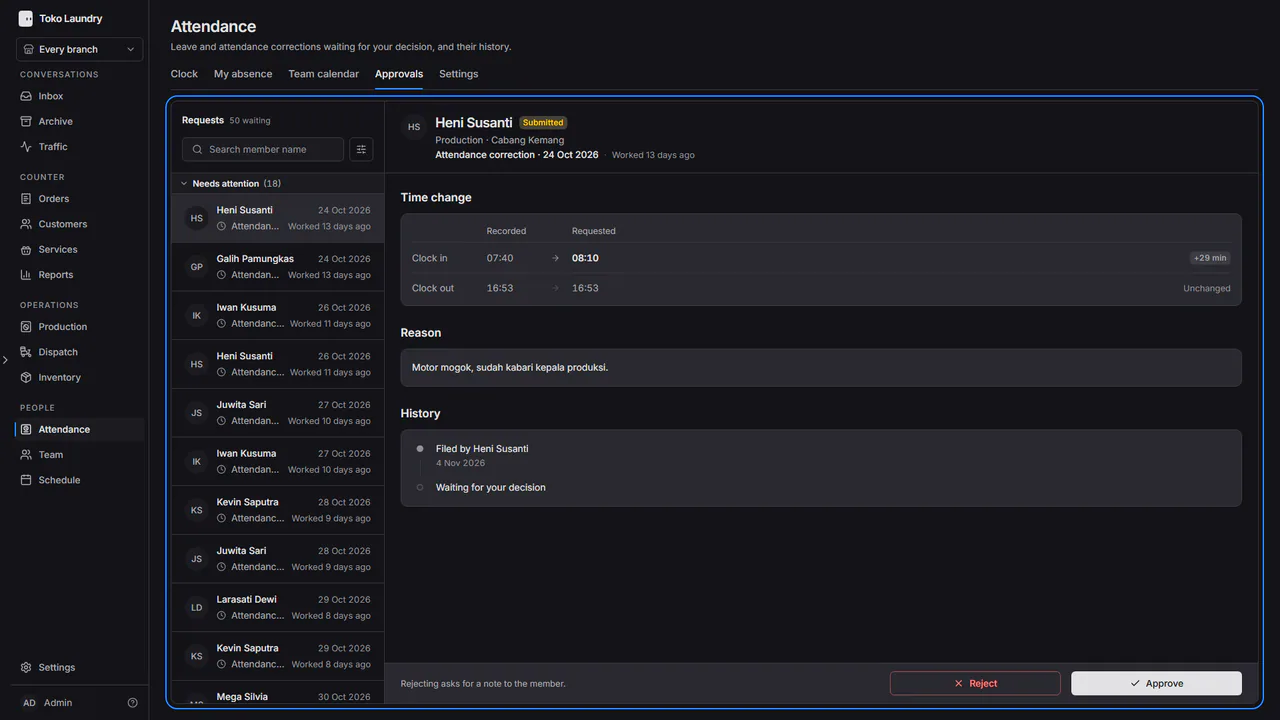
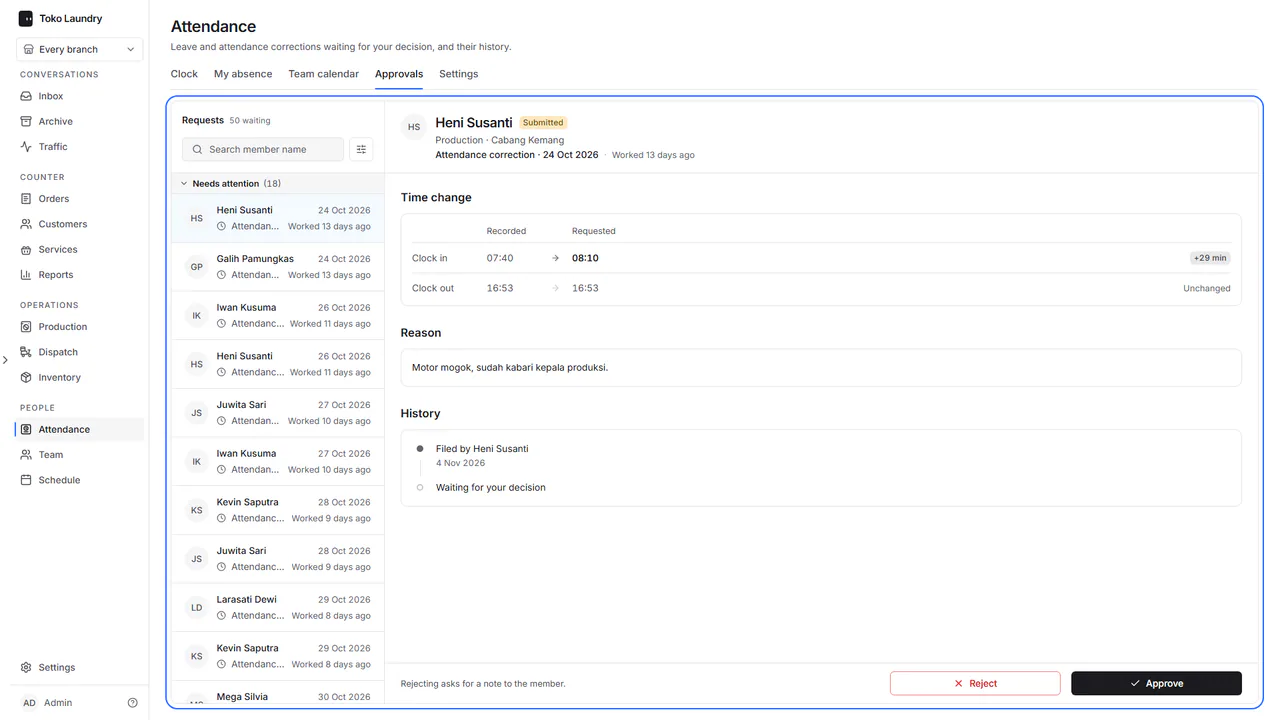
Open Attendance > Approvals to decide leave and attendance corrections in your branches. Your own requests are decided by the owner. See attendance and payroll.
Team schedule and attendance
- Schedule plans tasks in My week, lays out every member's day in Team and finds a shared free time in Find a time. See schedule.
- Attendance > Team calendar shows the team's attendance and leave for a whole month, and Attendance > Settings sets each branch's working hours, work days and clock-in radius. See attendance and payroll.
Admins also answer chats and set up WhatsApp: see WhatsApp chat. Admins do not handle payroll, the plan, the balance, ownership or deleting the business. See who can do what.